Your router already has an eSIM. The hard part is everything after the code.

Mikk Lemberg
Most people don't realize this until the hardware is in their hands: your router probably already has an eUICC chip in it.
Teltonika, Cradlepoint, and Peplink and other manufacturers now solder an SGP.22 eUICC onto the board. You don't have to go find the chip; it's already there. So the real question isn’t "how do I get an eSIM?" It's "how do I get a good profile onto it, across the whole fleet, and actually know whether each device is connected?
That second part is where most providers stop. They hand you a profile with an activation code and leave the rest to you. We'd argue the code is the easy bit. The work is getting it onto hundreds of routers in the field and confirming each one came online, so that's where we start.
Why SGP.22 gets hard the moment you scale
SGP.22 is a good spec from GSMA, but it was built for a smartphone and consumers, activated one at a time, by a person looking at a screen.
Your deployment looks nothing like that. There's no screen and no one standing in front of it, and instead of one device, you've got dozens or hundreds, sitting in cabinets and vehicles and sites you'd rather not visit twice.
At that scale, three things have to be true for every unit, and you need to see all three at a glance:
- The activation code — the one input the device needs.
- The profile status — is it actually live and ready to download?
- The connection — did this specific device come online, or is it still dark?
Lose track of any one of those across a fleet and you're debugging blind. That's usually when the spreadsheets appear: codes copied into cells, CSVs emailed around, someone checking by hand which device got which code and whether it ever connected. Fine for ten devices, miserable for two hundred.
It starts with the connectivity
An activation code is only as good as the profile behind it, and that's the part we spend most of our time on.
We're telecom-neutral by design: 12 partner telecoms, coverage in 190+ countries, more than 1,000 networks. You pick a profile on coverage and price for your deployment, rather than getting locked into whoever happened to sell you the SIM. All of it sits under one account and one invoice.
The SGP.22 download is just how that connectivity reaches the device. Get the connectivity right, then deliver it cleanly.
Deploying an SGP.22 profile in four steps
Four steps. We think of them as find → set Live → deliver → confirm.
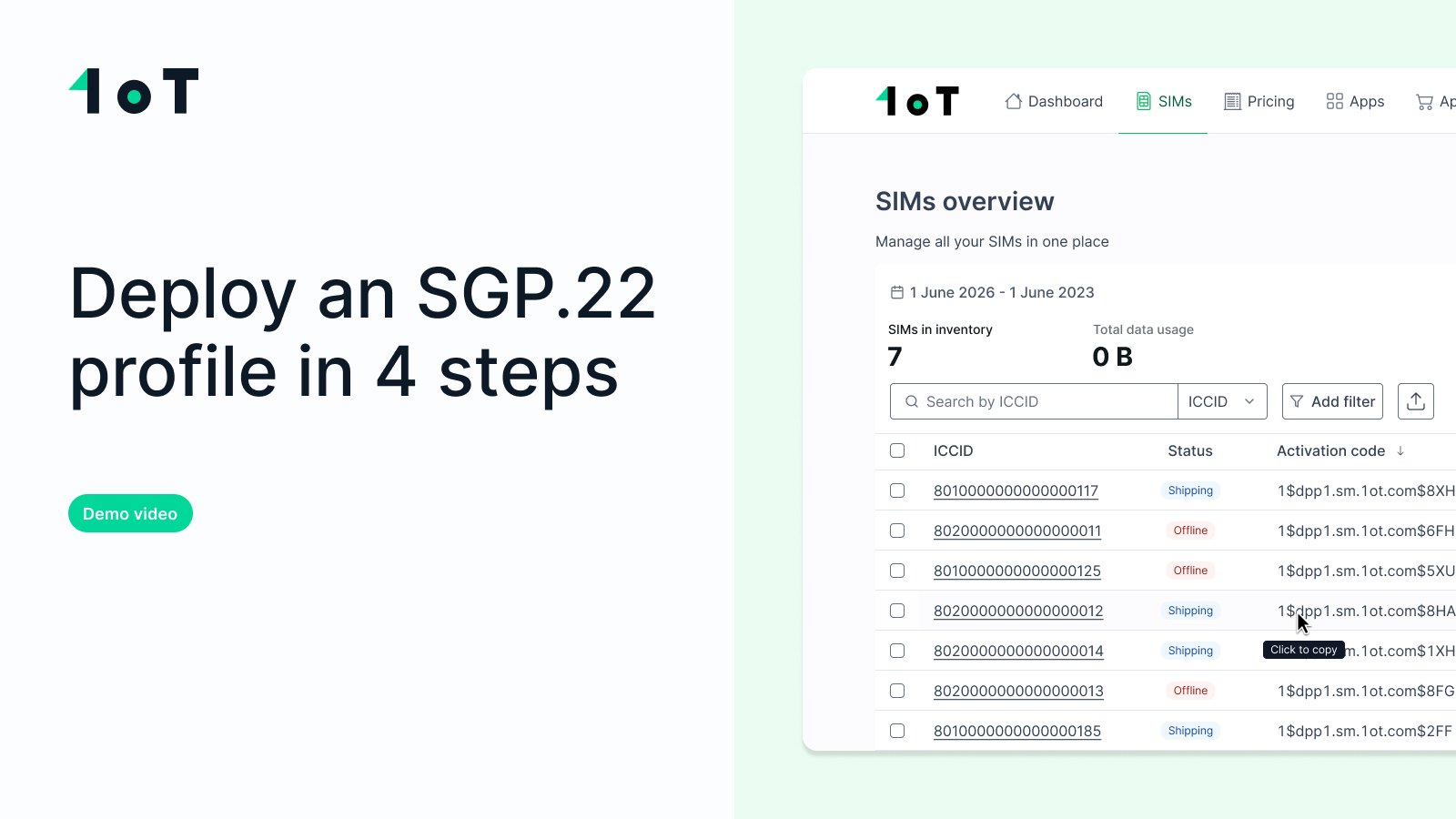
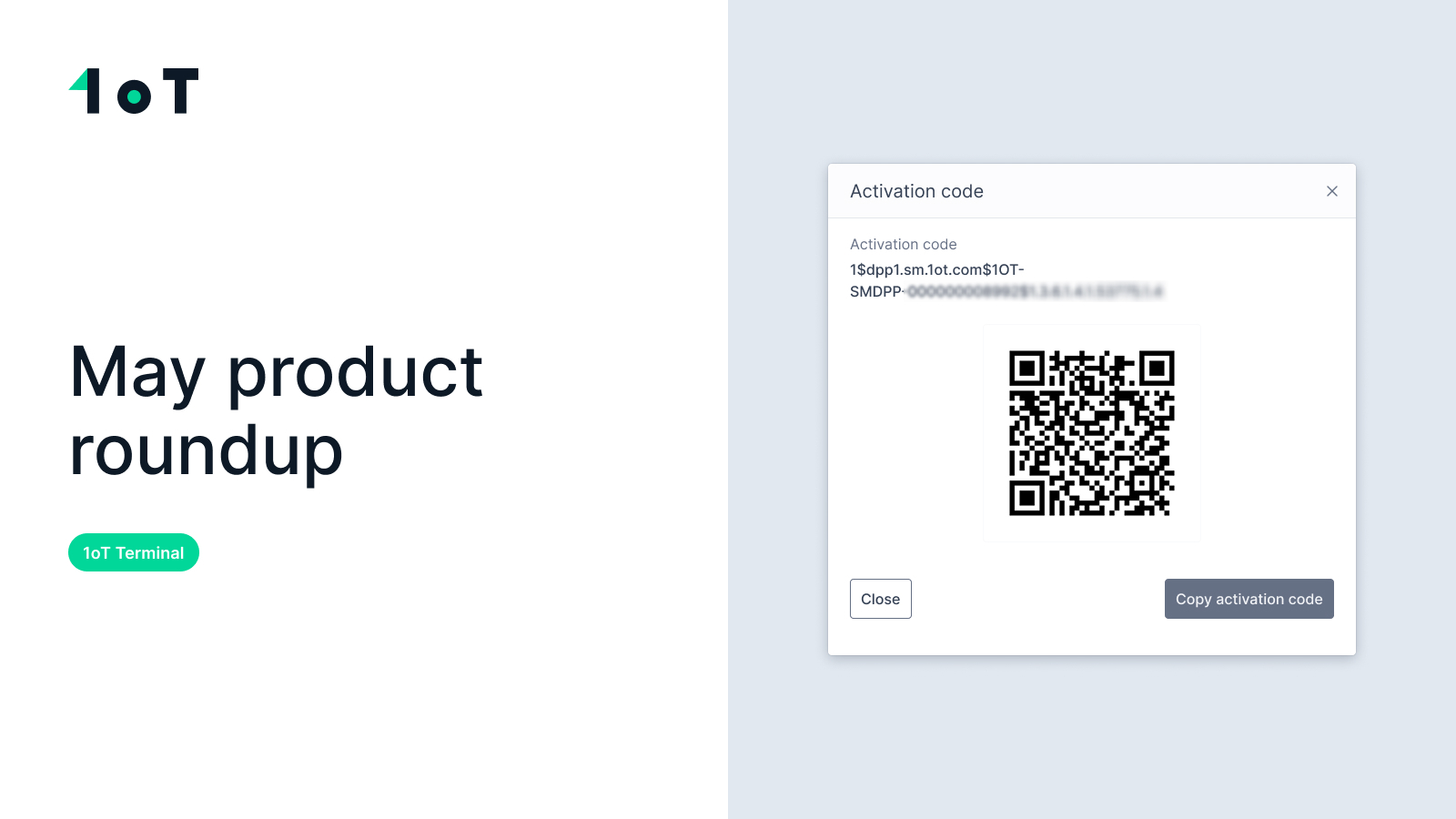
Before you touch anything, your 1oT contact puts together a “shipment” with the subscriptions and activation codes. Those show up under your account in 1oT Terminal. Your first interaction is a code already sitting there, ready to use.
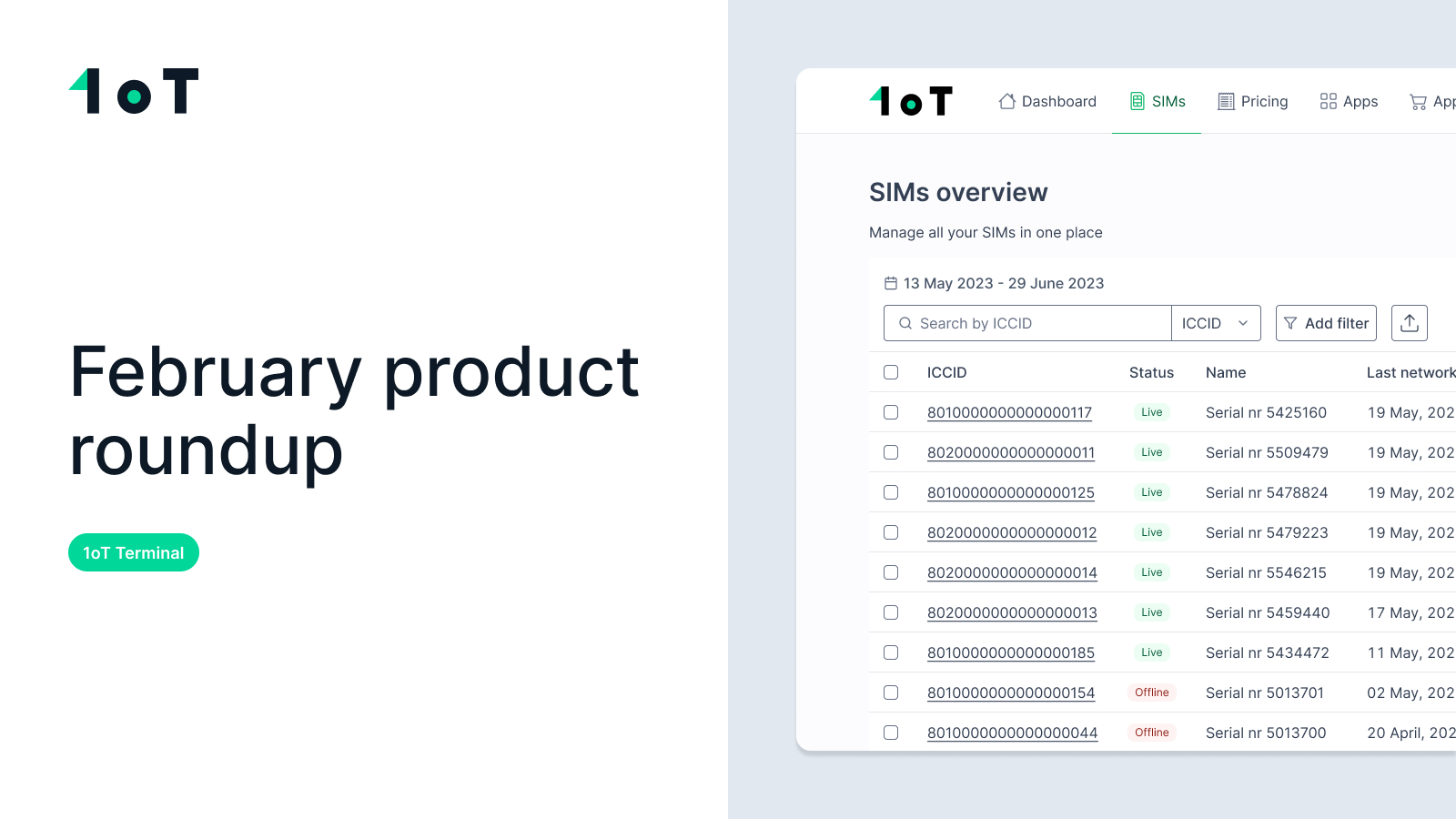
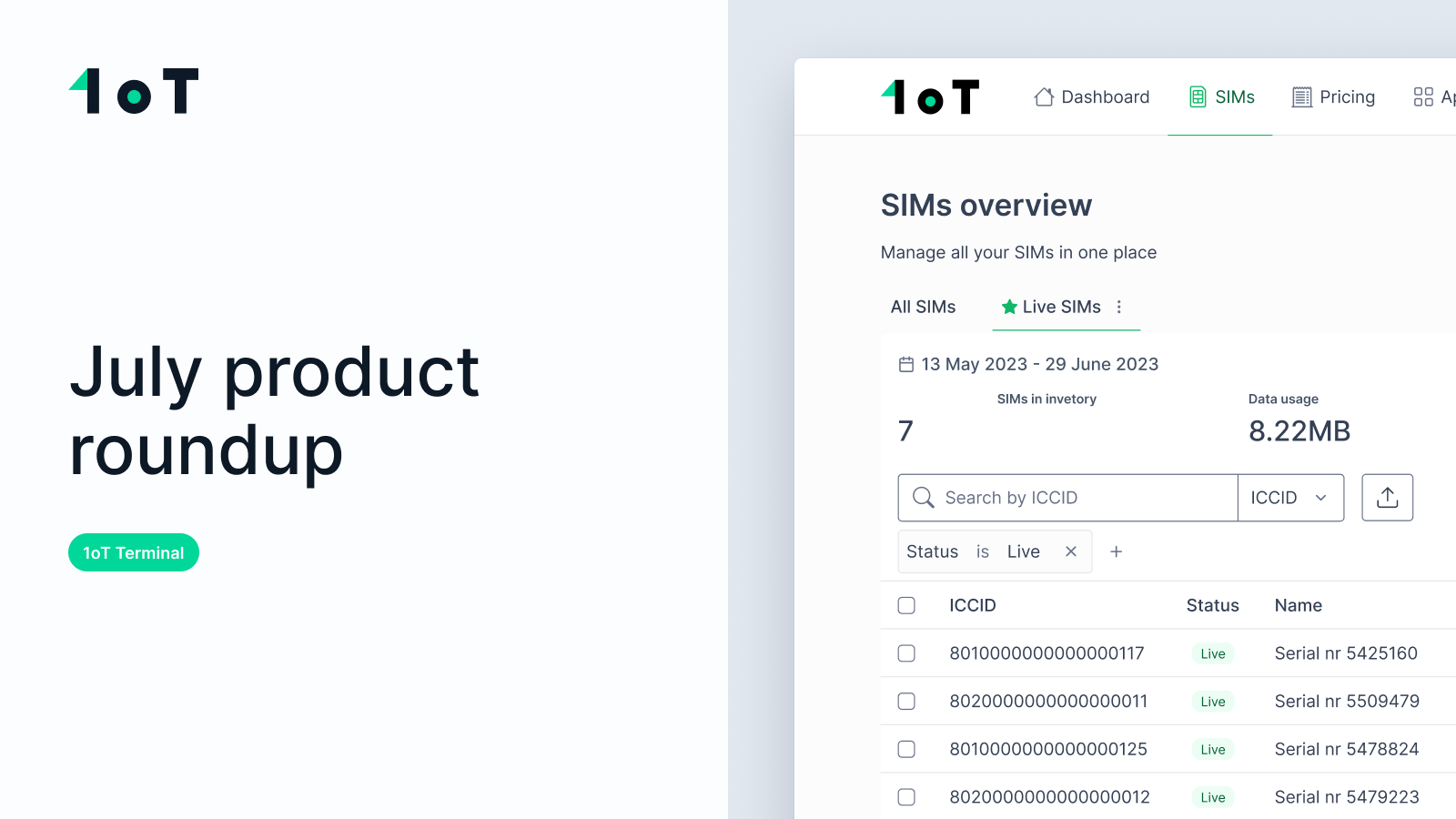
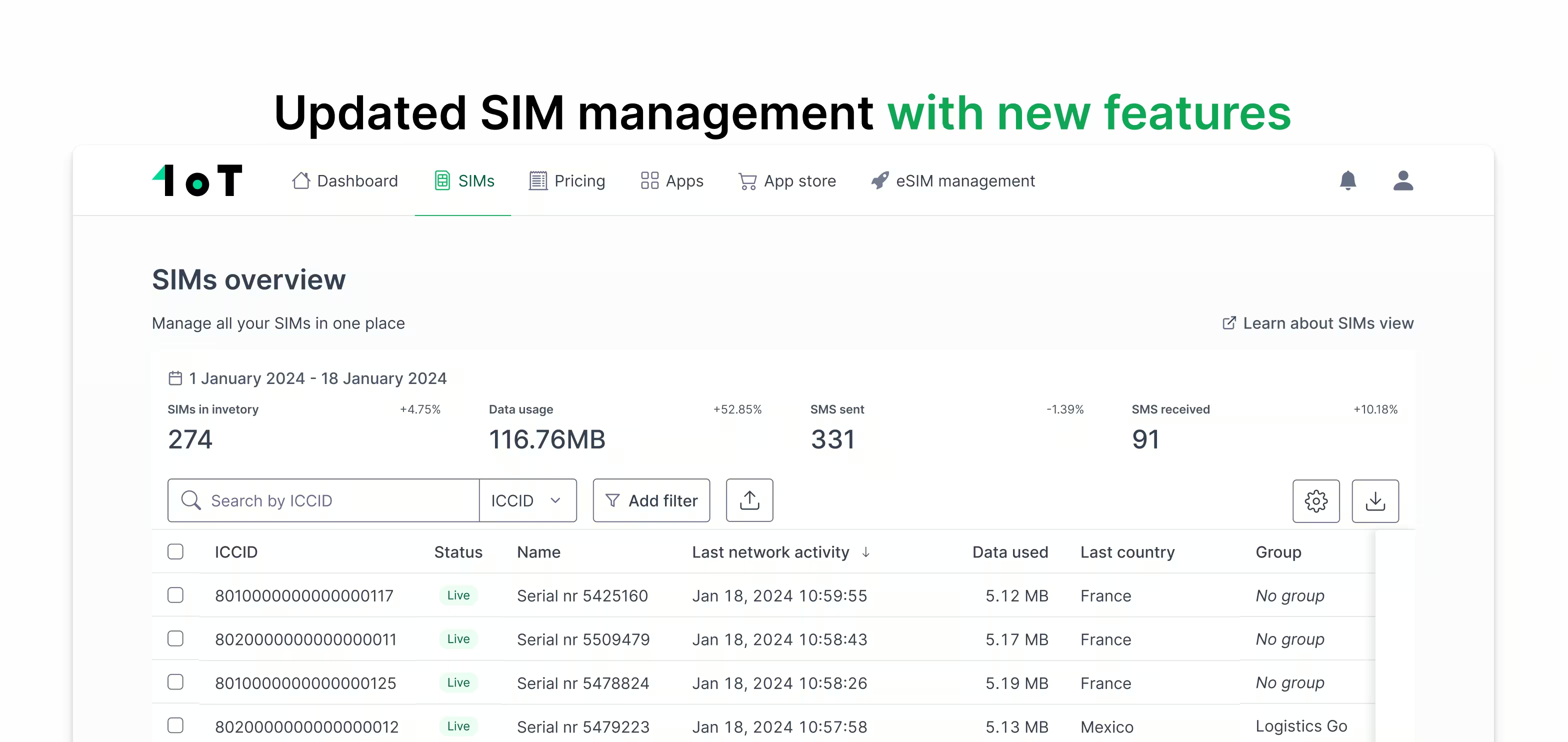
Find it. Open Terminal and go to the SIM view. Every eSIM has an Activation Code column in the list, sortable and click-to-copy. No digging through onboarding emails, no separate portal. With a thousand SIMs, you sort and filter down to the ones you need.
Set it Live. A codetext does nothing until its profile is set to Live, so flip it on in Terminal. That's what guarantees the network is ready the moment the device asks for the profile, instead of a half-provisioned download that fails silently somewhere out in the field.
Deliver it. Get the code to the device however suits your scale. For a pilot, copy it from Terminal and paste it into the router's LPA config. For a production batch, the CSV and Excel exports now carry the Activation Code column, so you can inject codes at provisioning. For an automated pipeline, the /get_sim API endpoint returns the activation code in its response, ready to script.
Confirm it. Once the profile downloads and the device connects, traffic shows up on the SIM detail page in Terminal. You're not guessing whether a device came online; you can see it happen, across the whole fleet, on one dashboard.
Want to see it in action? In this video, we take you through all the steps on a real Teltonika RUT241, from start to finish:
Why the activation code is a first-class citizen
Most platforms treat the activation code as an afterthought — buried in a PDF, tucked in an email, available only if you ask.
We treat it as the thing that matters for an SGP.22 deployment, so it shows up everywhere you'd reach for it: visible and sortable in the SIM list, click-to-copy, in the CSV and Excel exports, and in the /get_sim API response. One device by hand or ten thousand through an integration, the code is where you need it, in the format you need it.
We own the whole back end
This matters most when something goes wrong, which at scale it eventually does.
1oT runs its own Connectivity Management Platform and its own SM-DP+, both built in-house. When a download misbehaves, every transaction on the server side is logged and reviewable, and we troubleshoot it ourselves. We’re not filing a ticket with a third-party vendor and waiting days to find out what their server did – which means you’re not waiting either. You get an answer in hours from the one team that owns the entire process, instead of being stuck between two vendors while your devices remain offline. Our server, our logs, our fix.
Try it on your own devices
If you've got SGP.22 routers in the field, or you're speccing a deployment right now, this is where it stops being theory. Reach out to your account manager and we'll set up profiles for your account so you can run the whole flow yourself: find, set live, deliver, confirm 👇














.avif)
.avif)