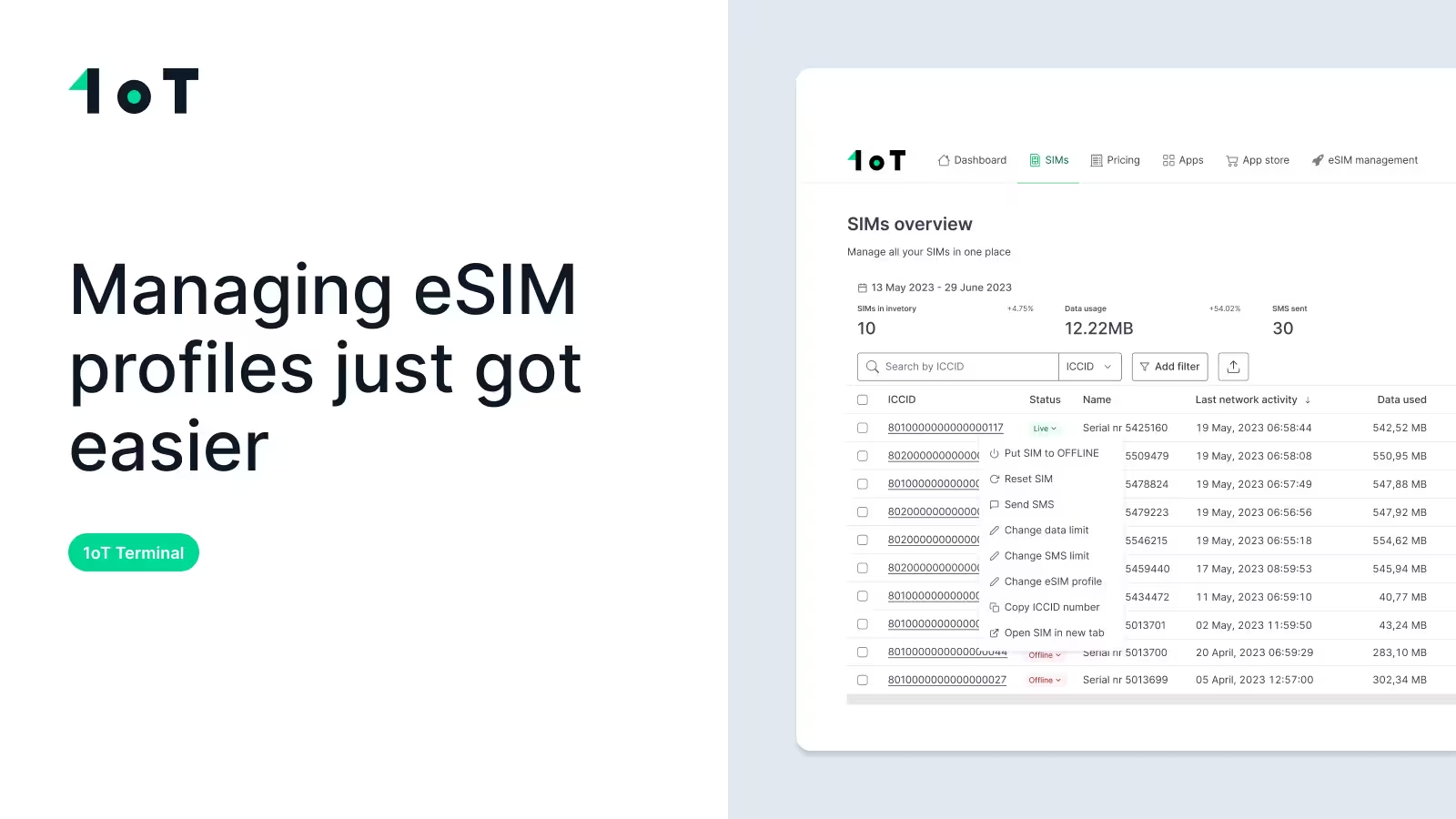
How to manage eSIM profiles step by step – 1oT Terminal video demo
Managing eSIM profiles just got easier. See how 1oT Terminal simplifies telecom profile changes, from download to activation, across your IoT fleet.


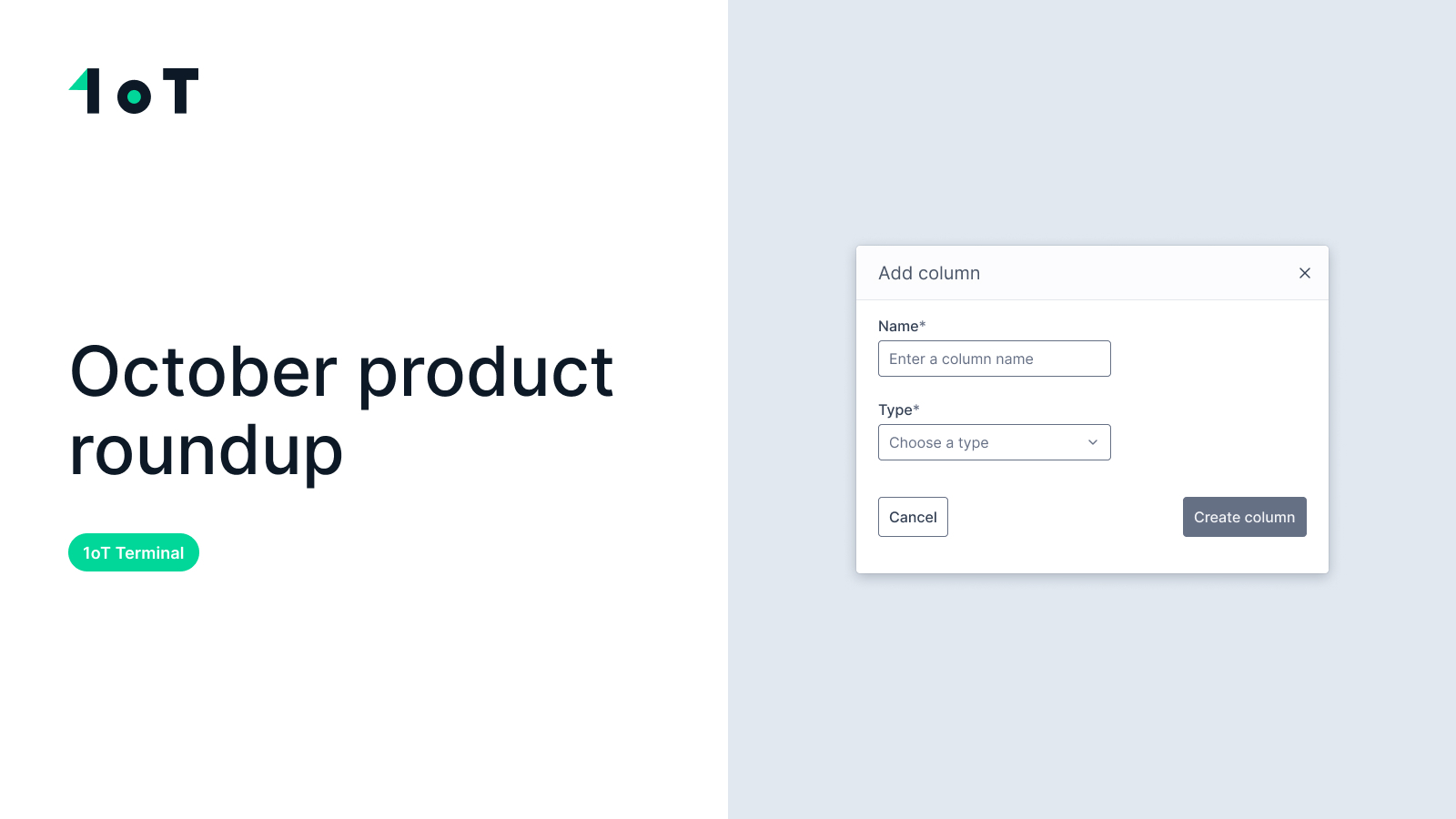
We shipped custom columns to 1oT Terminal. If you've ever kept a spreadsheet with ICCIDs mapped to device serial numbers or project codes, you can finally stop. Plus: API access for sub-clients and faster re-ordering.

CPO
We shipped custom columns to 1oT Terminal. If you've ever kept a spreadsheet with ICCIDs mapped to device serial numbers or project codes, you can finally stop. Plus: API access for sub-clients and faster re-ordering.
Your SIMs live in Terminal. Your device serial numbers, project codes, and install dates live in Excel or your device platform. Keeping them in sync means copying ICCIDs back and forth until someone works off an old version.
Now you can add custom columns directly to the SIMs table. In the SIMs view, scroll right and press "Add column" or open "Modify columns" modal. Name the column, pick a type (text, number, or date), and optionally set a default value. Apply it to all SIMs or just the ones you select.

Sort and filter on custom fields like any other column. Edit values on each SIM's detail page under "Custom info"—changes update everywhere instantly.

What people are using it for:
We kept it simple: create columns, set values, filter and sort. We're watching to see how you use it.
If you use 1oT Terminal’s Sub-client app to give your end customers visibility into their SIMs, they can now pull monthly usage data via API. We added the /get_monthly_usage endpoint for sub-client accounts.
You can re-order previous shipments with the same SIMs and delivery location—no manual setup. This speeds up rollouts and makes expanding existing deployments quicker.
Talk to 1oT about the connectivity, integrations, and support your fleet needs.
Get in TouchManaging eSIM profiles just got easier. See how 1oT Terminal simplifies telecom profile changes, from download to activation, across your IoT fleet.
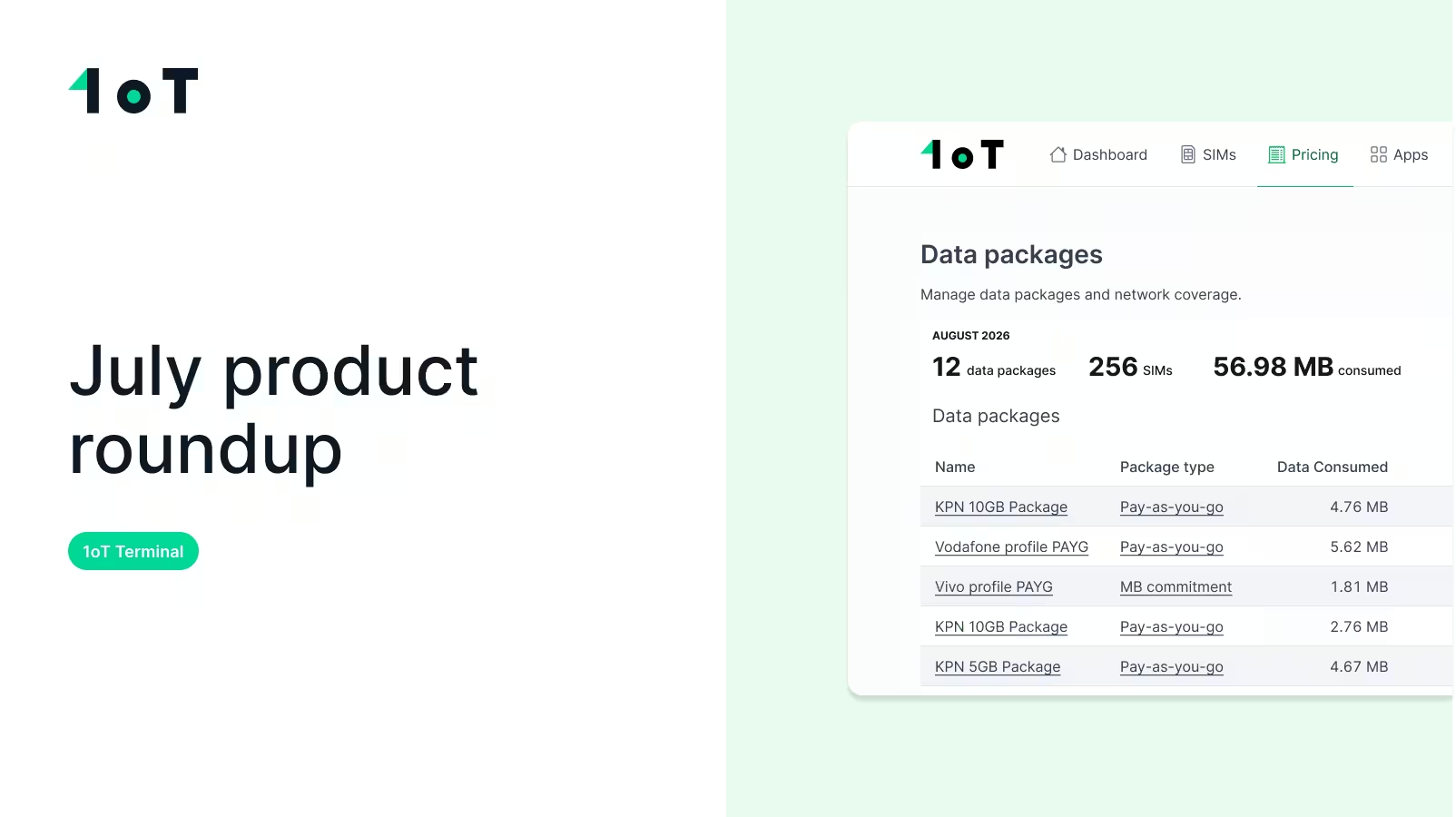
IoT connectivity is changing fast, and 1oT Terminal is adapting to a future where different SIM technologies coexist within the same deployments. Discover how.
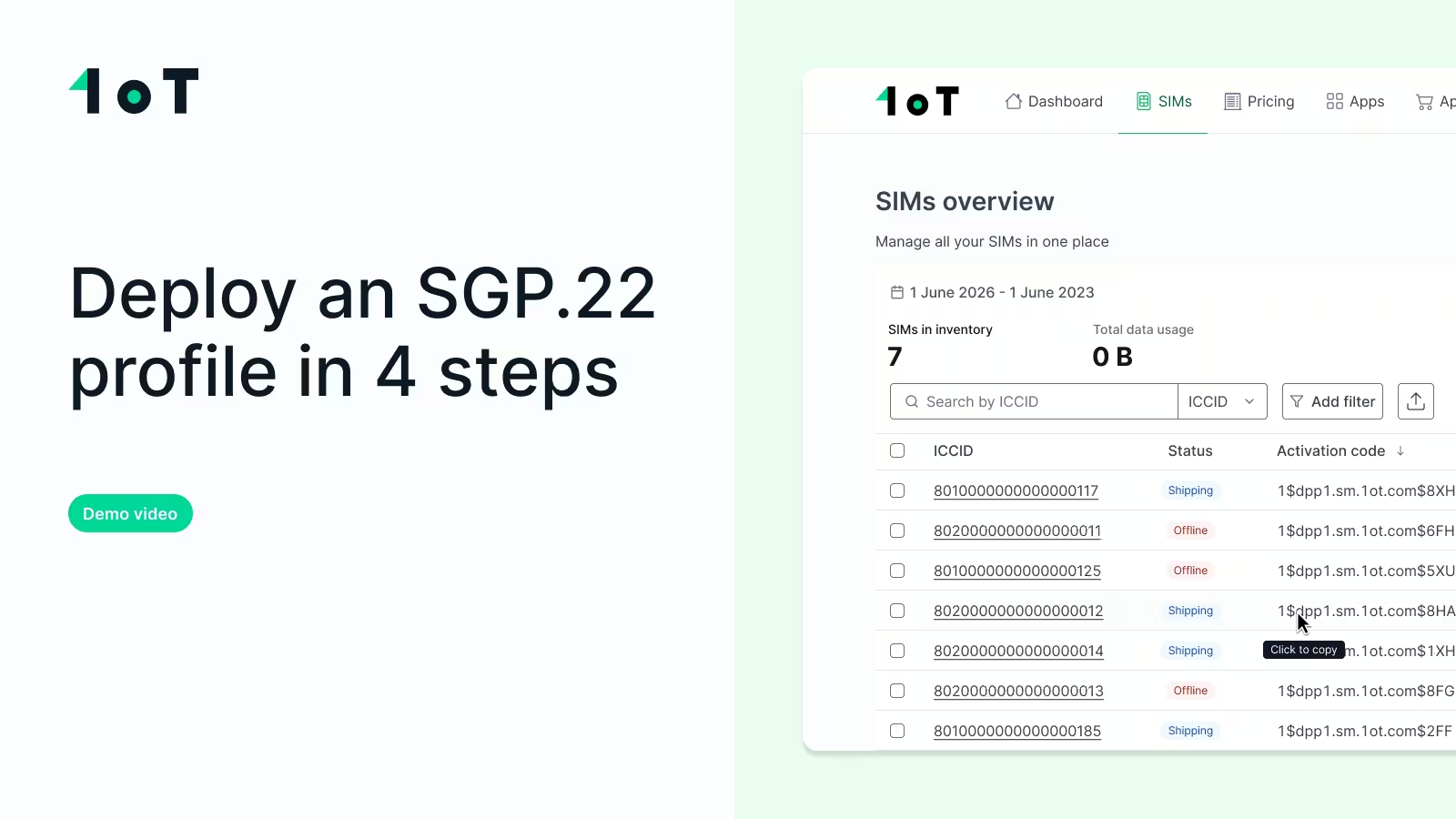
Getting an eSIM activation code is easy. Managing it across a fleet isn't. Here's how 1oT Terminal makes the whole process visible and scalable.
october-2025-product-roundup


