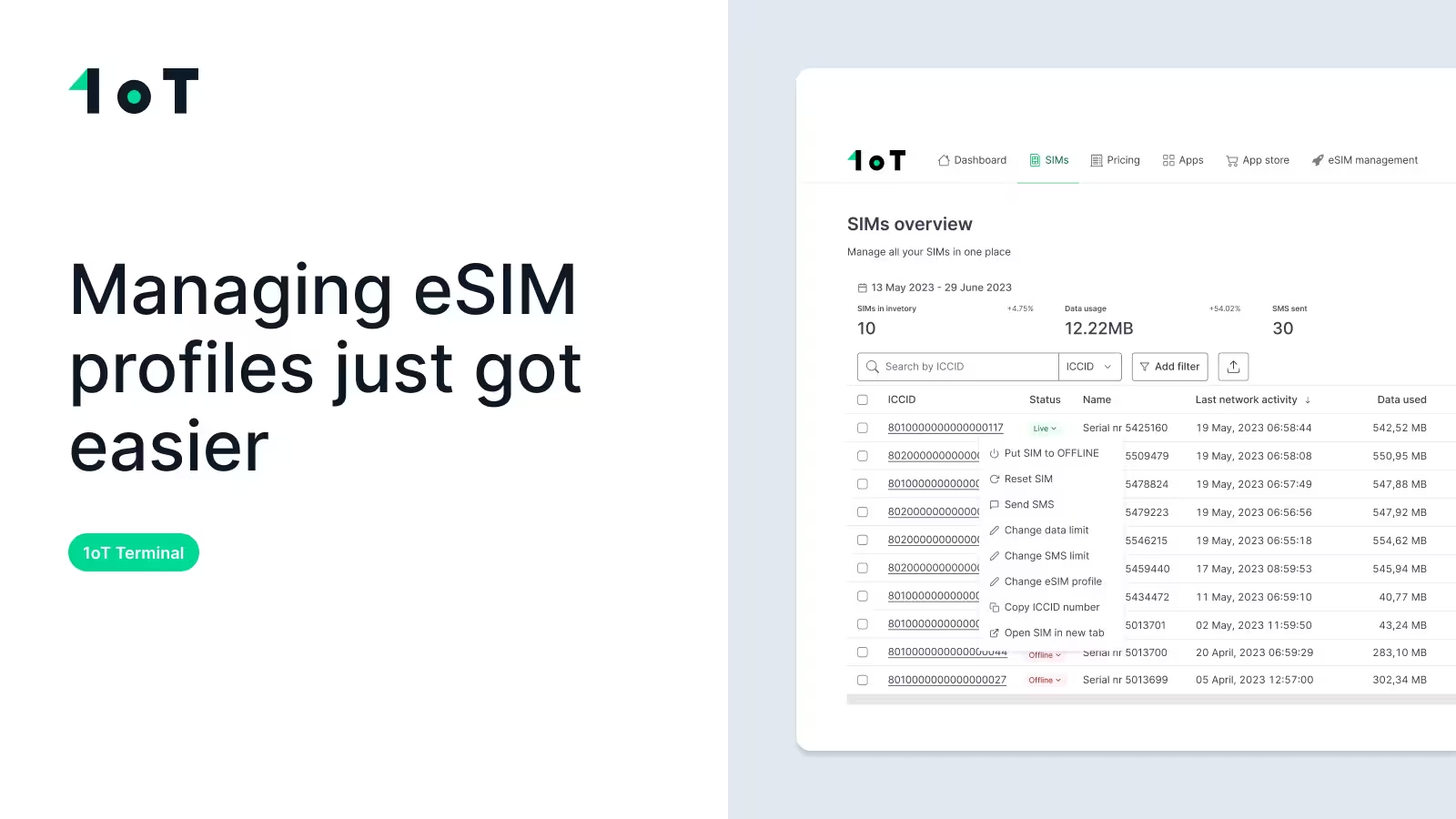
How to manage eSIM profiles step by step – 1oT Terminal video demo
Managing eSIM profiles just got easier. See how 1oT Terminal simplifies telecom profile changes, from download to activation, across your IoT fleet.


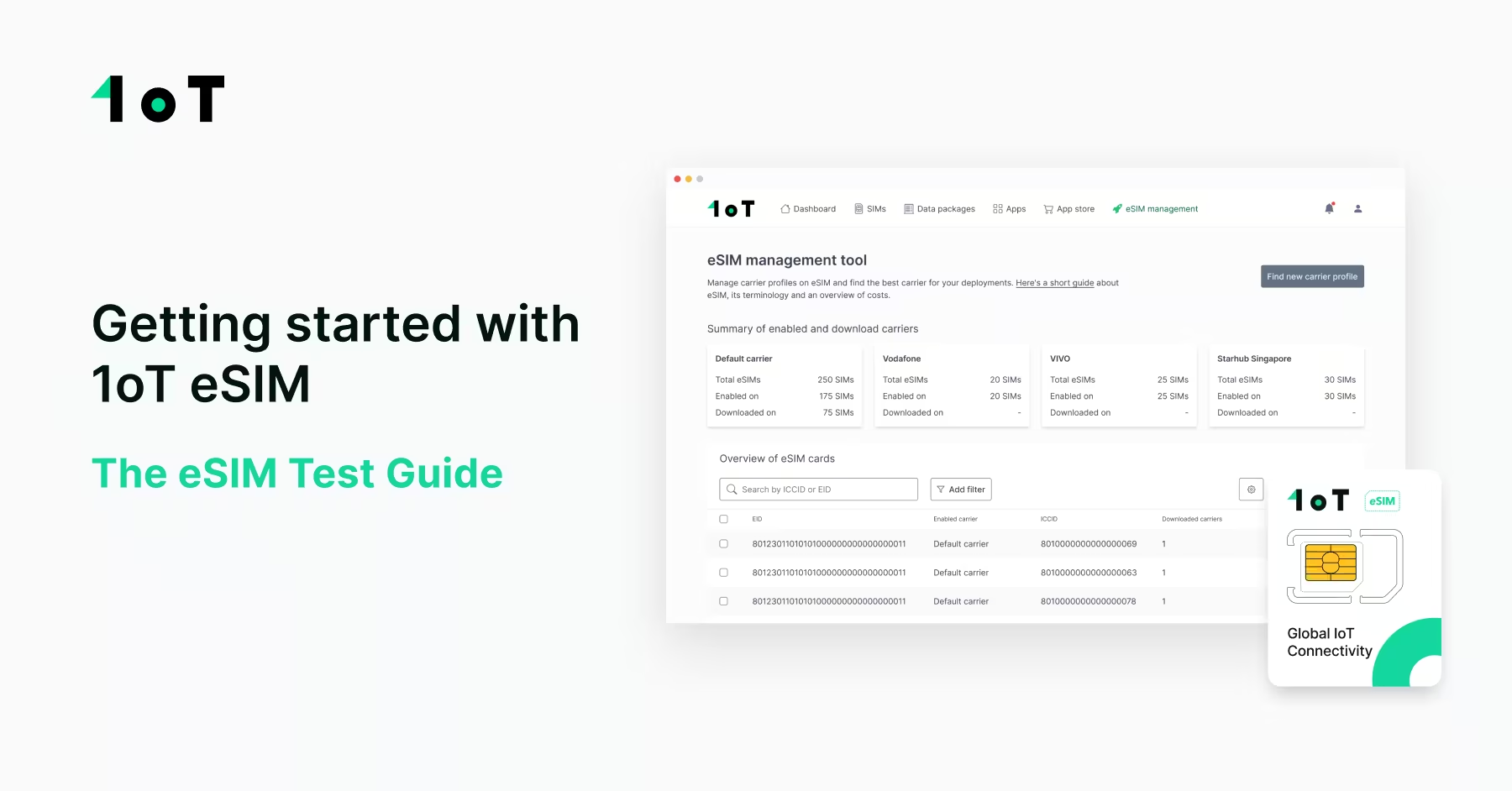
Think of this article as your step-by-step guide to getting started with 1oT eSIM.

CPO
Updated on December 2, 2022.
Think of this article as your step-by-step guide to getting started with 1oT eSIM.
This guide will unfold everything you need to know about setting up the eSIM on your device, the steps you need to take in order to activate your eSIM on the 1oT Terminal, and how to perform all of the essential operations there.
As running things as efficiently and as simply as possible is in 1oT’s DNA, then getting started with the 1oT eSIM is no exception to that — most of the heavy lifting is done for you automatically in the background of the 1oT Terminal.
But without further ado, let’s go through the process one step at a time.
Before you activate your 1oT eSIM in Terminal, please keep in mind the following:
Make sure your device supports the following features:
For hardware compatibility, please consult with your hardware manufacturer or check the list of hardware that supports eSIM with 1oT eSIM Test reports.
There are 2 variants of the 1oT eSIM card. Please follow the guide on how to find an EID number depending on which one you have ordered from us.
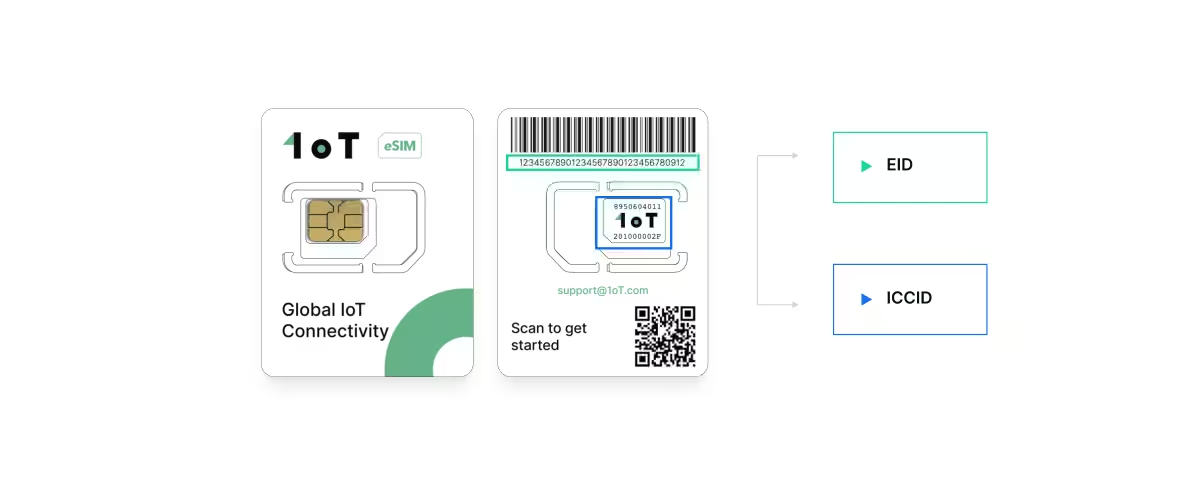
Option 1 - Plastic eSIM:
Option 2 - Embedded eSIM:
Your 1oT eSIM is now live and active!
1oT eSIM comes with a Default Carrier profile, which enables connectivity globally.
Start the following steps with your device powered off.
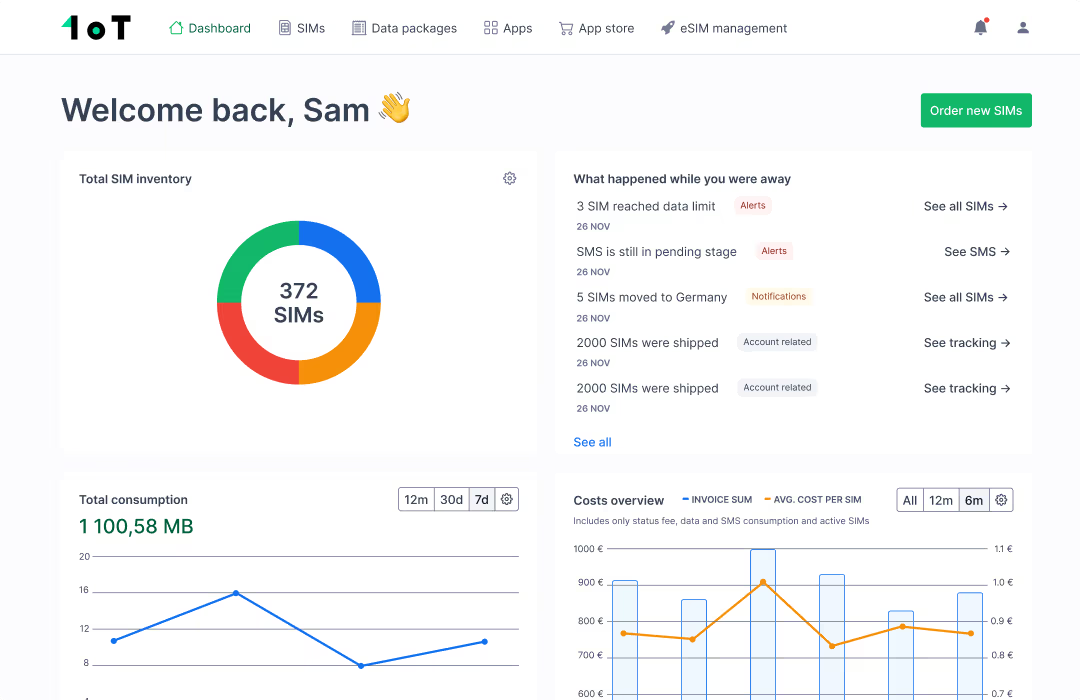
The ICCID you see attached to an EID is the default carrier profile that’s active on the 1oT eSIM card.
Now, make sure you can establish a data session and have Internet connectivity.
Recently, we introduced an automated eSIM test functionality as a part of the revamped eSIM Management Tool.
The eSIM test function allows you to test your hardware (cellular module) and 1oT eSIM to ensure that all device and Terminal configurations are correct.
The eSIM test is mandatory for all users before performing any eSIM transactions with a larger fleet, every new customer must complete the eSIM test with a 1oT eSIM card and cellular module.
The first eSIM test is free for all customers, and after that costs 0,50€ per transaction. Note, that if your eSIM test should fail for any reason, then taking a new one is for free, until you get the successful test result.
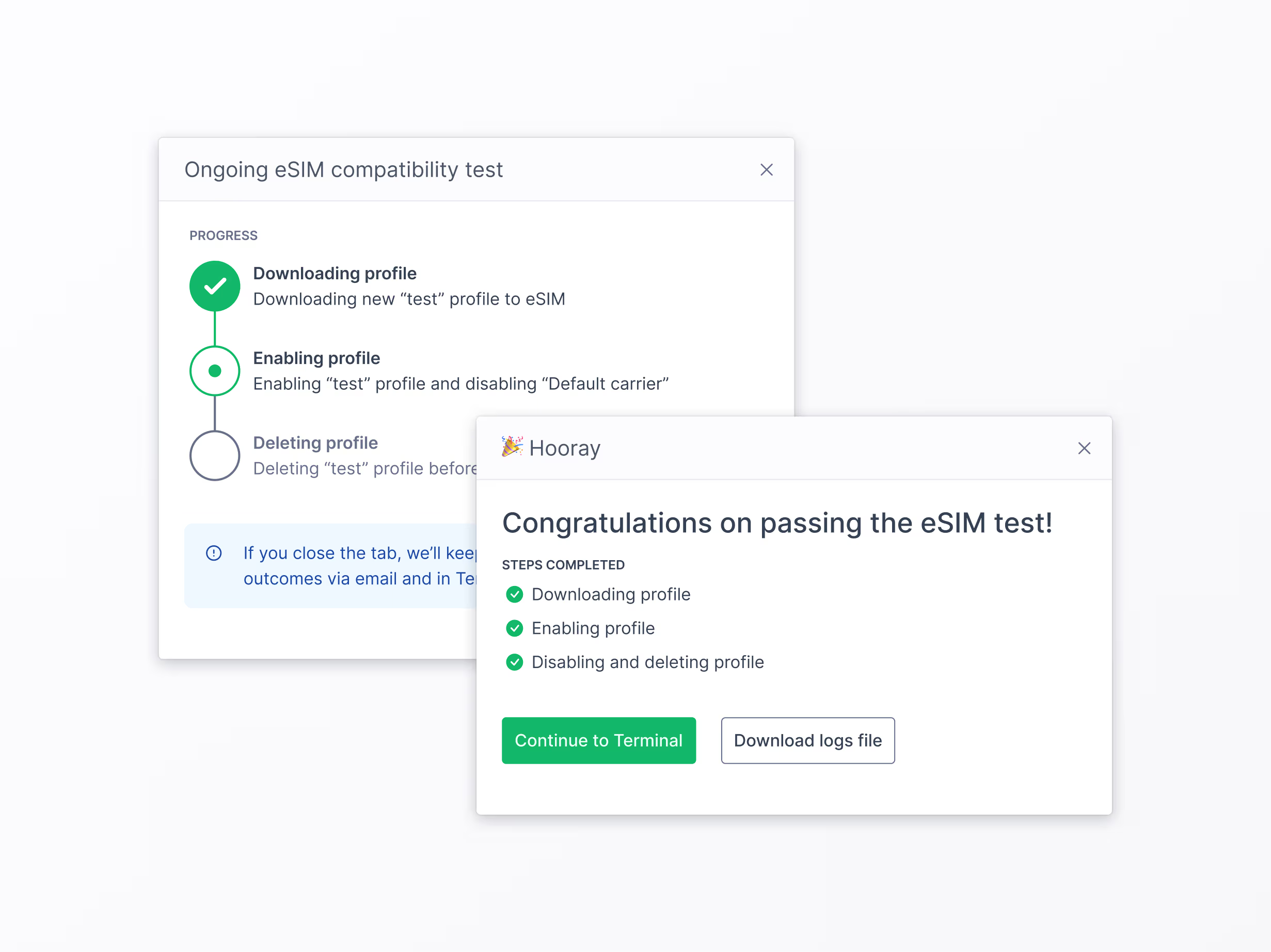
The automated test is performed using a dedicated test profile and goes through all eSIM transactions, including downloading, enabling, deactivating, and deleting a profile on an eSIM.
To begin the test, you need to:
If the test fails, you and our technical team will receive an email with the error details, and a specialist will take care of the matter on 1oT's side.
If the test is successful, you will receive a confirmation email, and you are free to swap telecom profiles on your eSIMs!
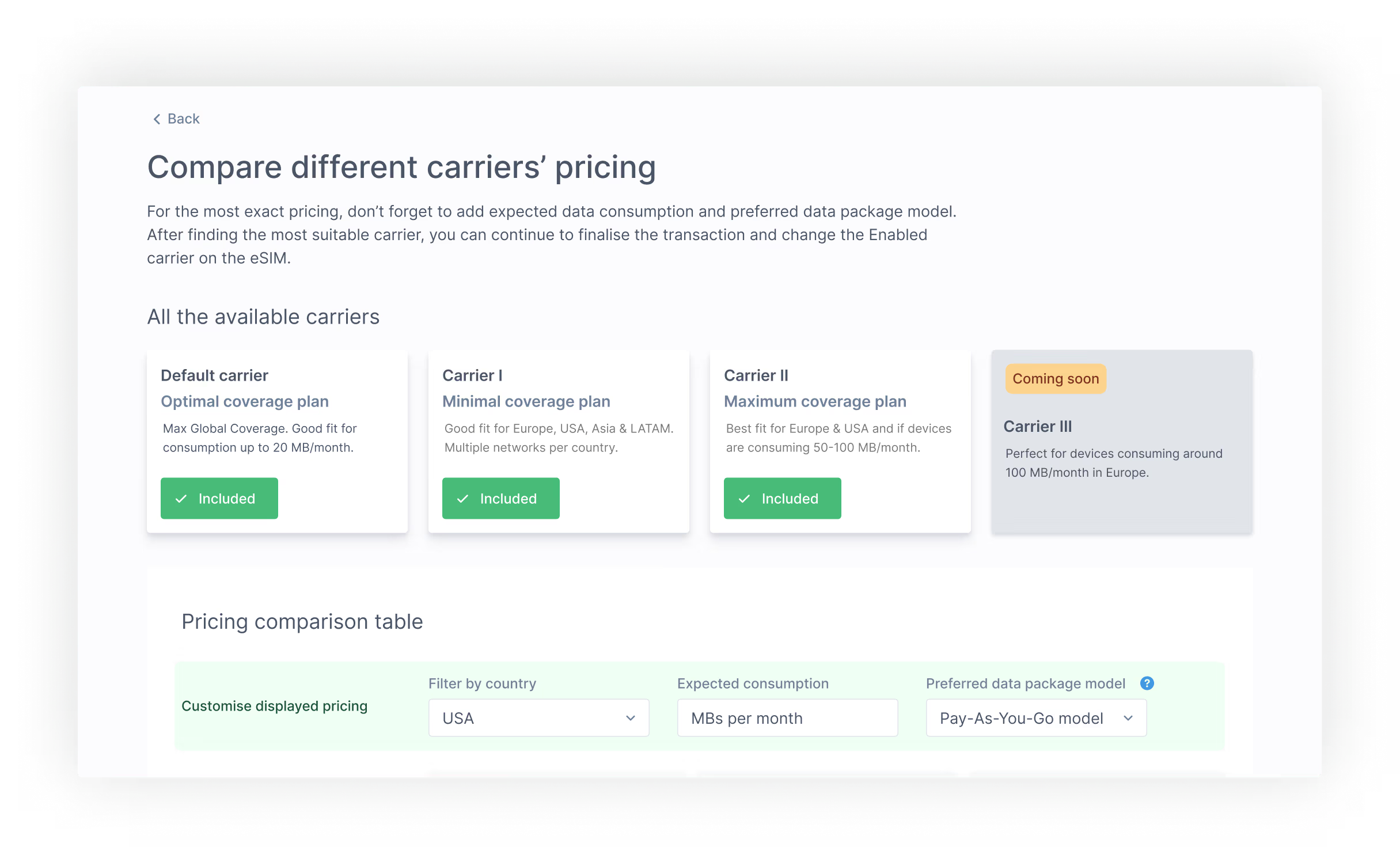

At this point, your eSIM is still connected with the default carrier profile.
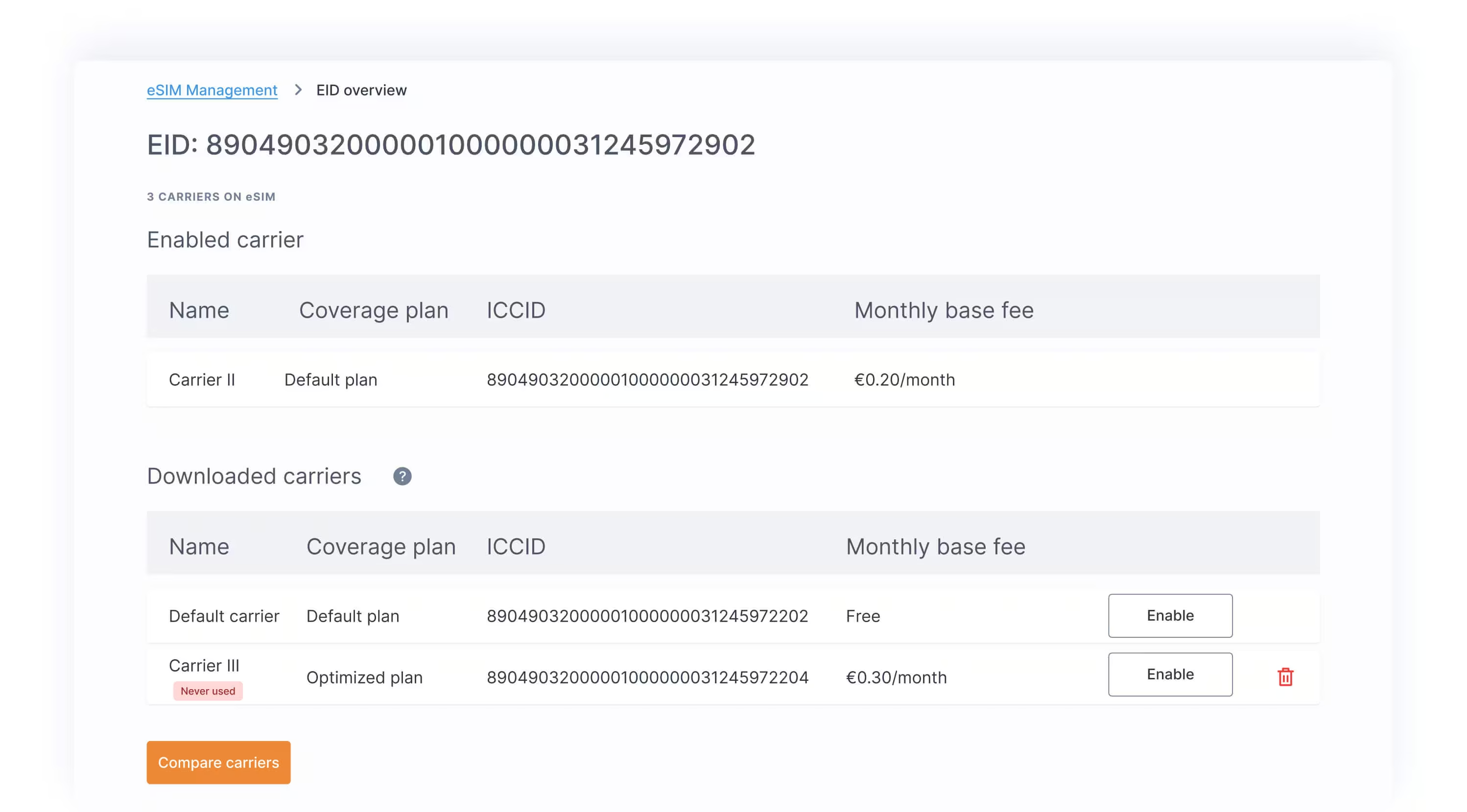
You can perform enable/delete profile actions on eSIM’s EID view.
The most common cause of remote provisioning issues is non-compatible devices.
Please make sure your device supports, and you have enabled, STK and BIP functionality.
You can check compatibility with your device manufacturer or check the 1oT eSIM-supported hardware list. Please refer to the device specification/manual or check 1oT eSIM test reports for any configuration help.
Talk to 1oT about the connectivity, integrations, and support your fleet needs.
Get in TouchManaging eSIM profiles just got easier. See how 1oT Terminal simplifies telecom profile changes, from download to activation, across your IoT fleet.
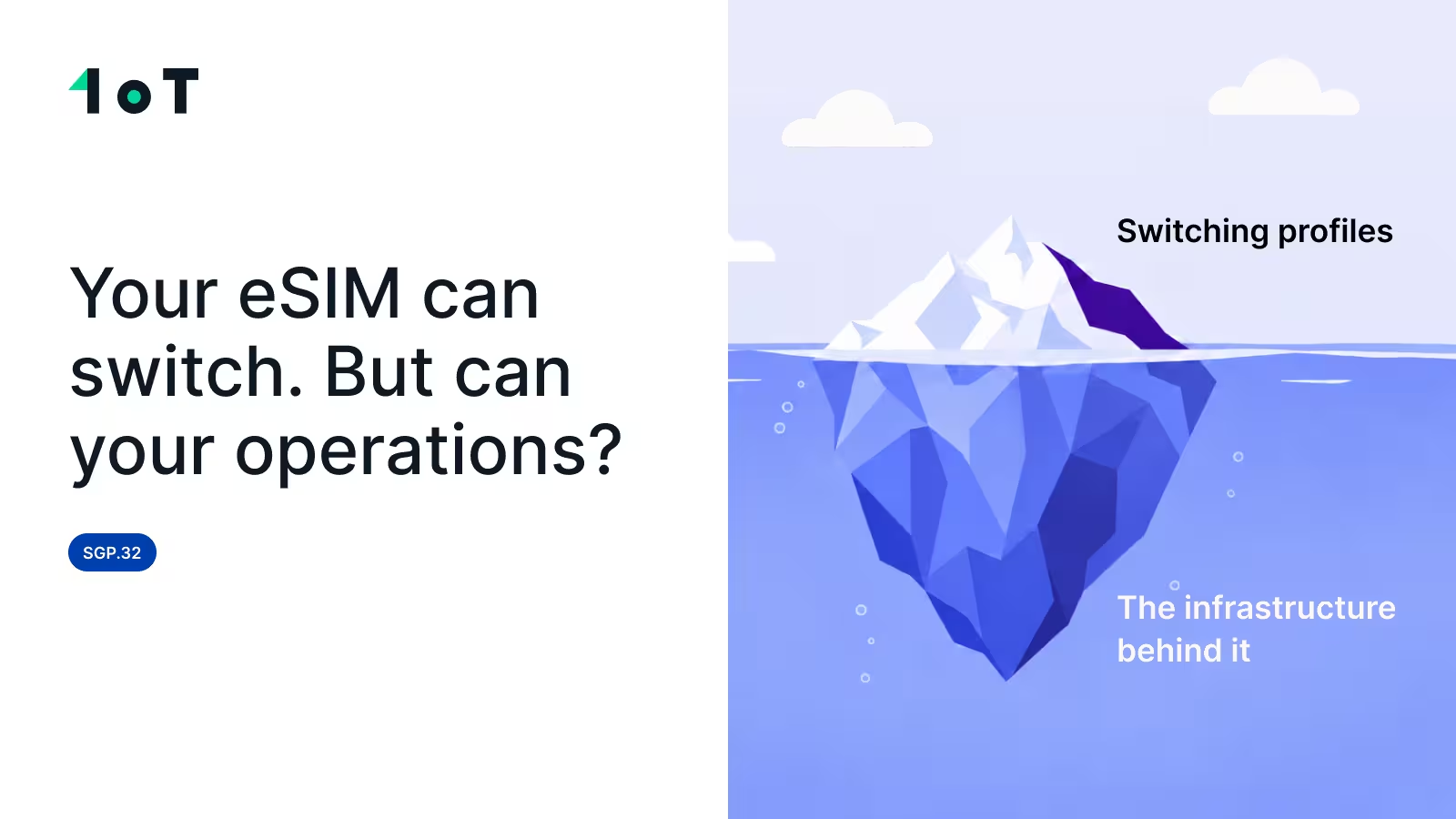
SGP.32 allows you to switch an operator profile remotely. It does not automatically preserve your APIs, alerts, reports, billing, permissions, or support workflows.
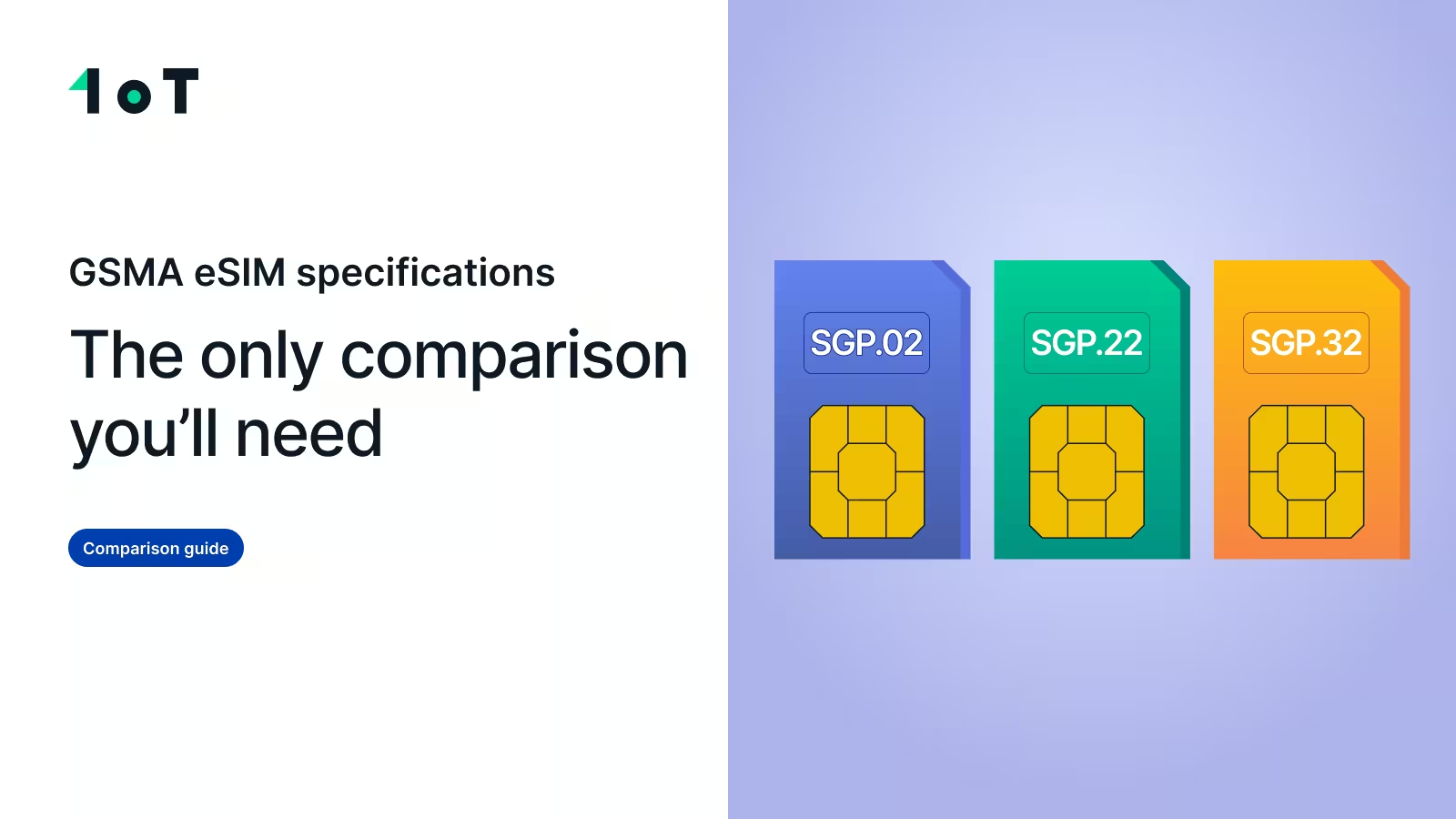
SGP.02 vs SGP.22 vs SGP.32: a practical guide to GSMA eSIM specifications to help you choose the right one and avoid hidden operator lock-in.
getting-started-1ot-esim


