May 2026 product roundup

Mikk Lemberg
May was an eSIM month. The headline is significant – SGP.22 eSIM profiles now work end-to-end in 1oT Terminal, from the moment a profile appears in your inventory to when you download it onto a device. In addition, we addressed several improvements and fixes throughout Terminal.
SGP.22 eSIM profiles in Terminal
SGP.22 eSIM profiles now work end-to-end in Terminal – from inventory to downloading the profile onto a device. The two features you'll notice most in daily use are:
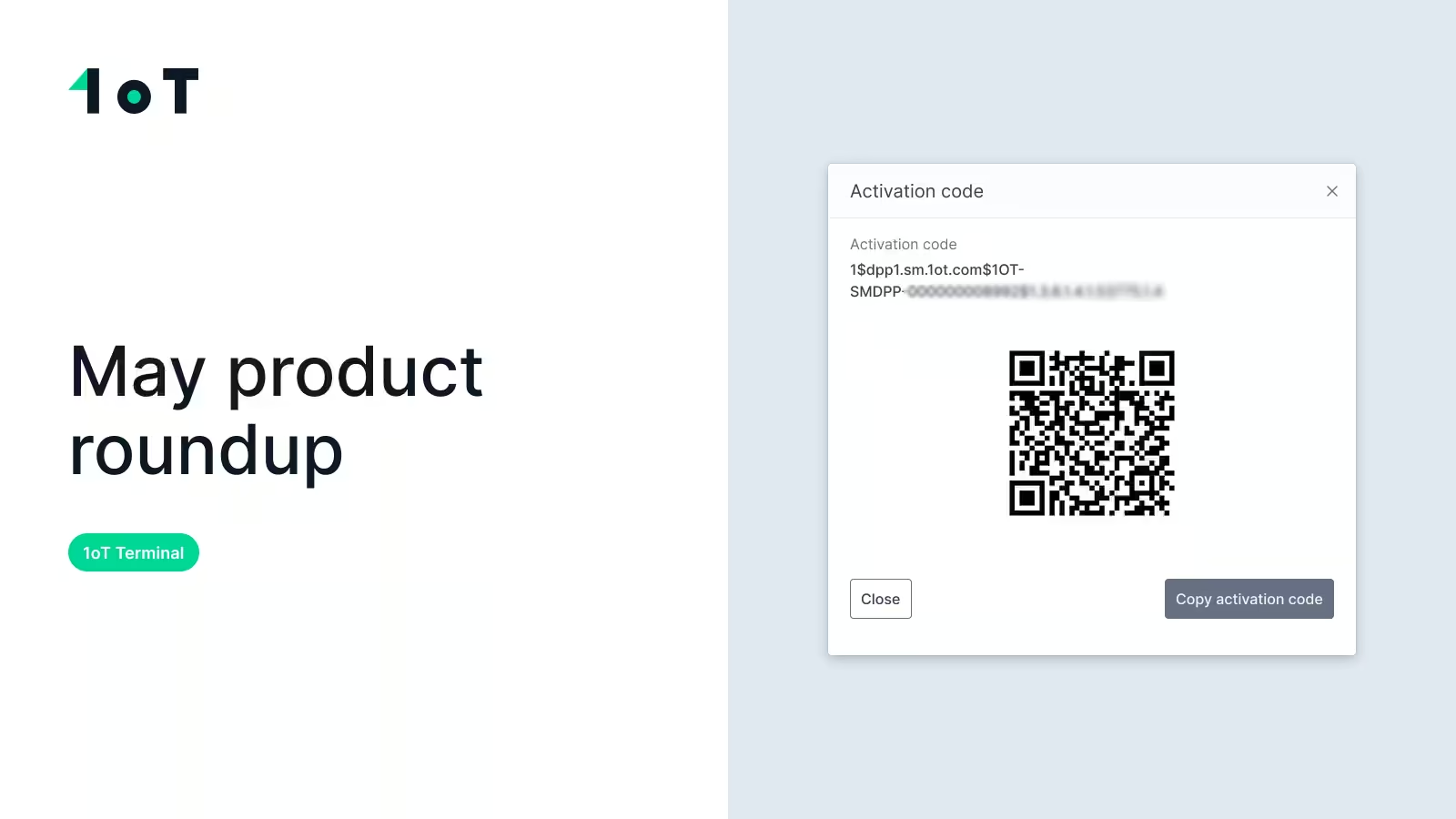
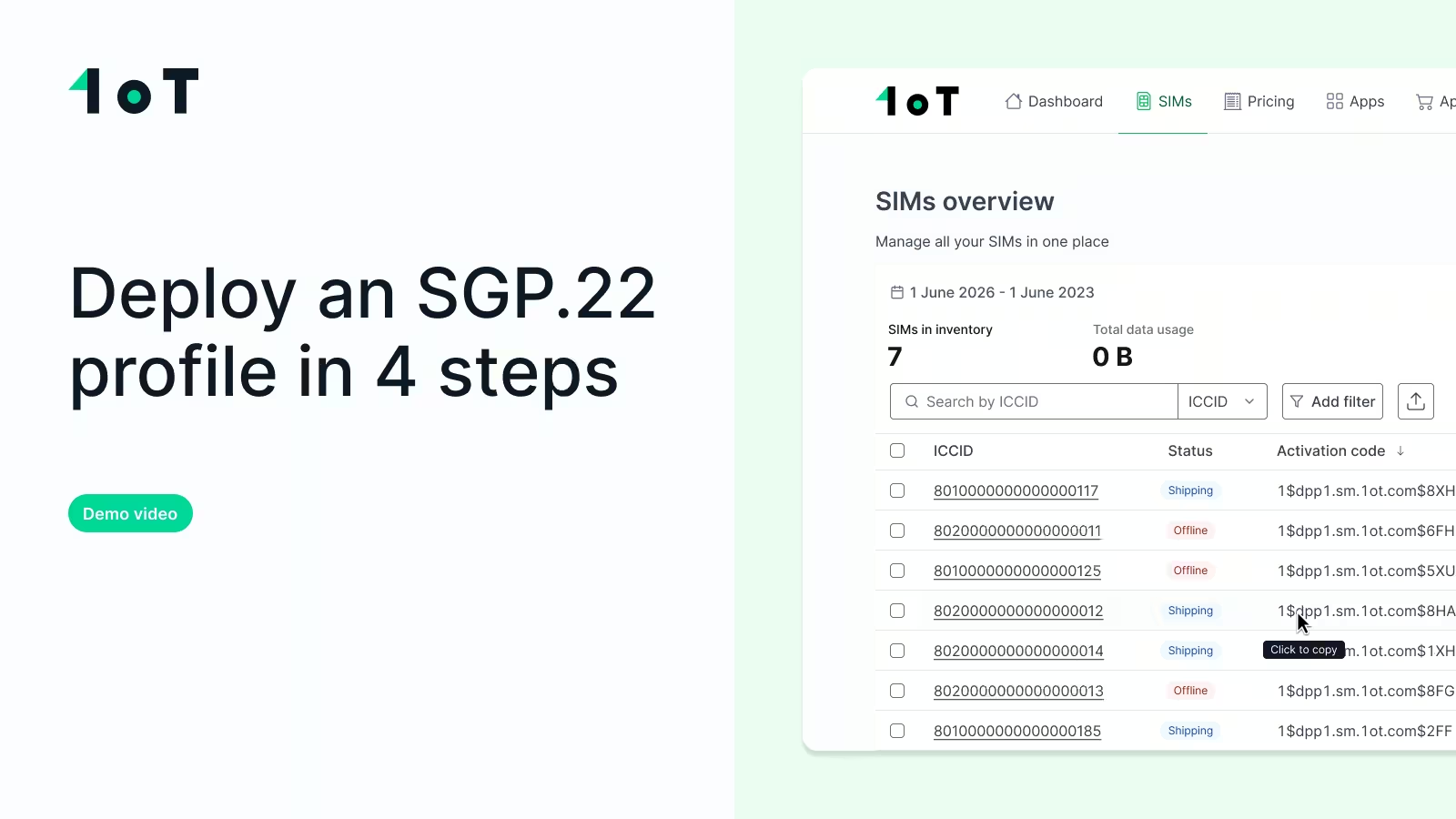
The activation code is now a first-class element. There's a new Activation Code column in the SIM view – sortable and click-to-copy, so you don't have to manually select a 30-character string. The code also appears on the SIM detail page, in your CSV and Excel exports, and in the /get_sim client API response. Whether you're activating one device manually or ten thousand through an integration, the code is always where you need it.
Profiles must be Live before the code works. This is a deliberate safeguard: an activation code only becomes usable once its profile is set to Live in Terminal. This ensures the network is ready the moment the device requests the profile, preventing half-provisioned downloads that fail silently in the field.
There's much more to discuss about why SGP.22 becomes challenging as you scale beyond a single device – and how we approach delivering reliable connectivity to an entire fleet, not just getting a code onto a chip. We published a full article on how 1oT's terminal simplifies SGP.22 deployments at scale, from activation code management to connection confirmation
Clearer usage-limit errors
Previously, when you couldn't set a monthly data or SMS limit, Terminal would fail with a "failing preconditions" message – which gave no guidance on what to do next.
Now, it provides the actual reason: the limit is already below this month's usage, it's above the maximum allowance, or the SIM is closed. It's the same failure, but now you know why and whether you can fix it.
More visible SIM data
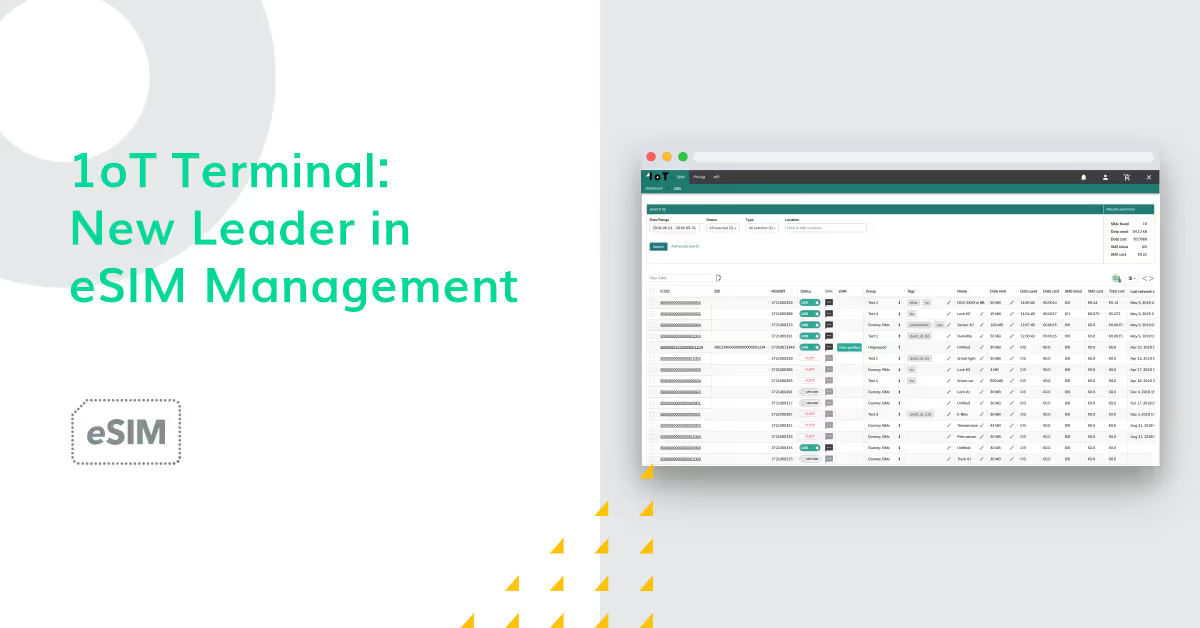
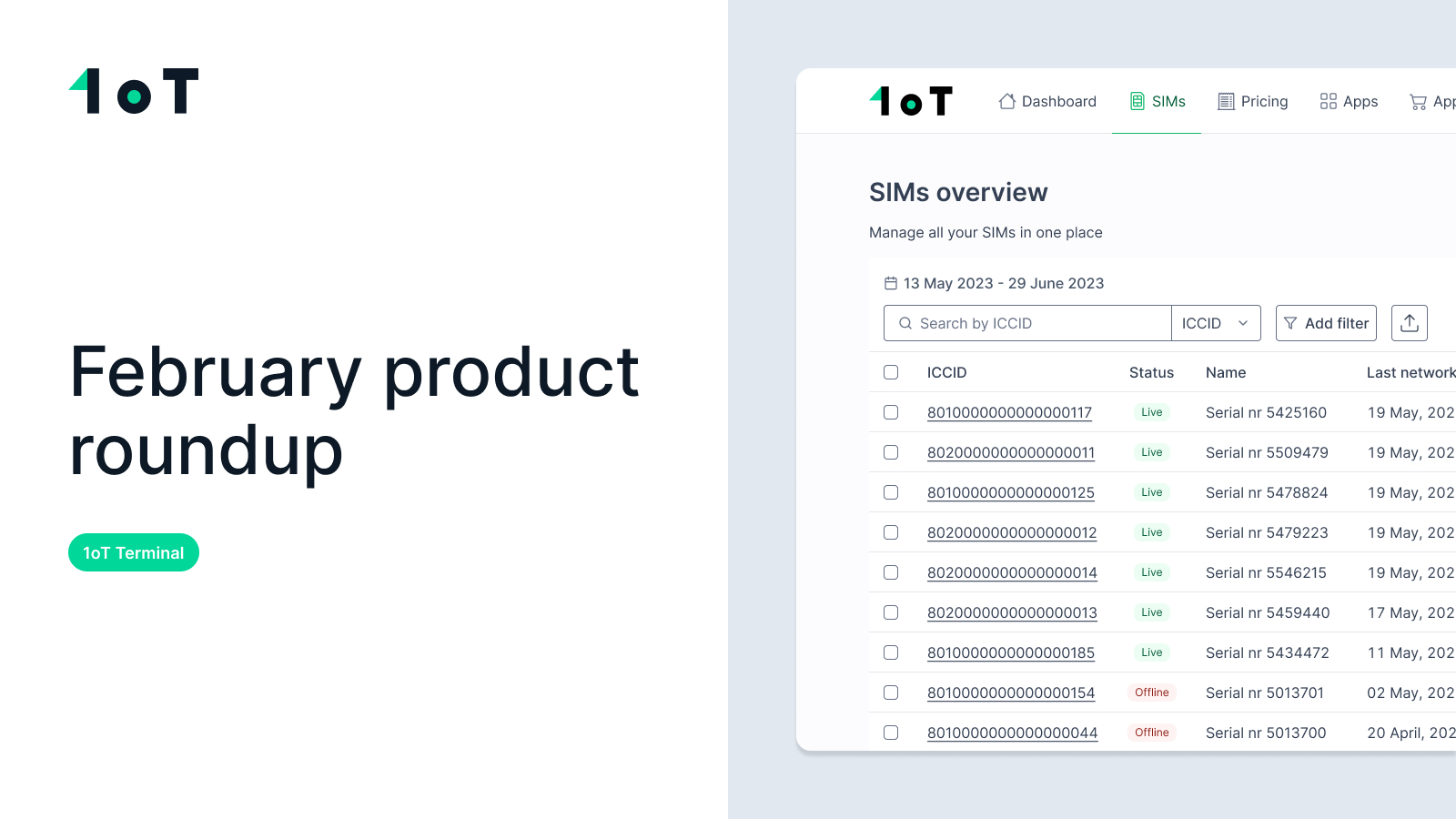
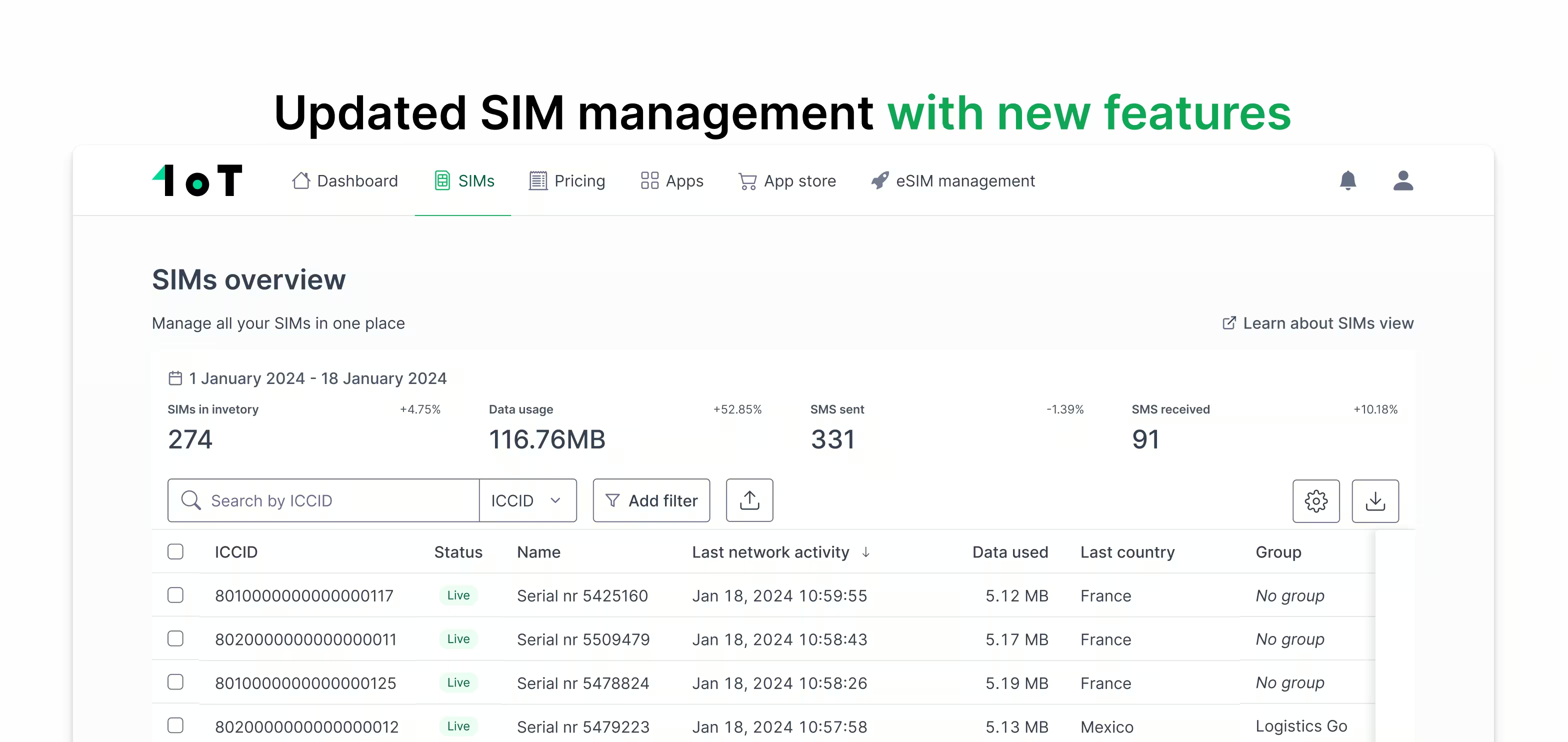
The SIMs Overview table now includes Last Radio Access Technology (RAT) used and SIM activation date – the date a SIM first changed from Shipping to Live. Both can be exported with the rest of the data.
The SIM session logs on the SIM detail page now display session duration, upload/download data, and network. One detail to note: when a telecom reports nothing, you'll see N/A instead of 0.
Improvements
A few quality-of-life fixes that streamline everyday workflows:
- Invoice reminders can be sent to a different person. In Communication and Contacts, invoices and invoice reminders are now separate. By default, "Send invoice reminders to the same email as invoices" remains checked and nothing changes. Uncheck it, and a dedicated Invoice Reminders field appears, so reminders can go to whoever actually handles payment – not always the same inbox as the invoice itself.
- "See all events / sessions" goes where you'd expect. From the SIM slide-over, these links now take you to the correct tab in the SIM detail view, scroll to the right table, and close the slide-over behind you.
- SMS event details show the affected SIMs. Clicking "See more information" on an SMS sent event now correctly lists the ICCIDs it affected.
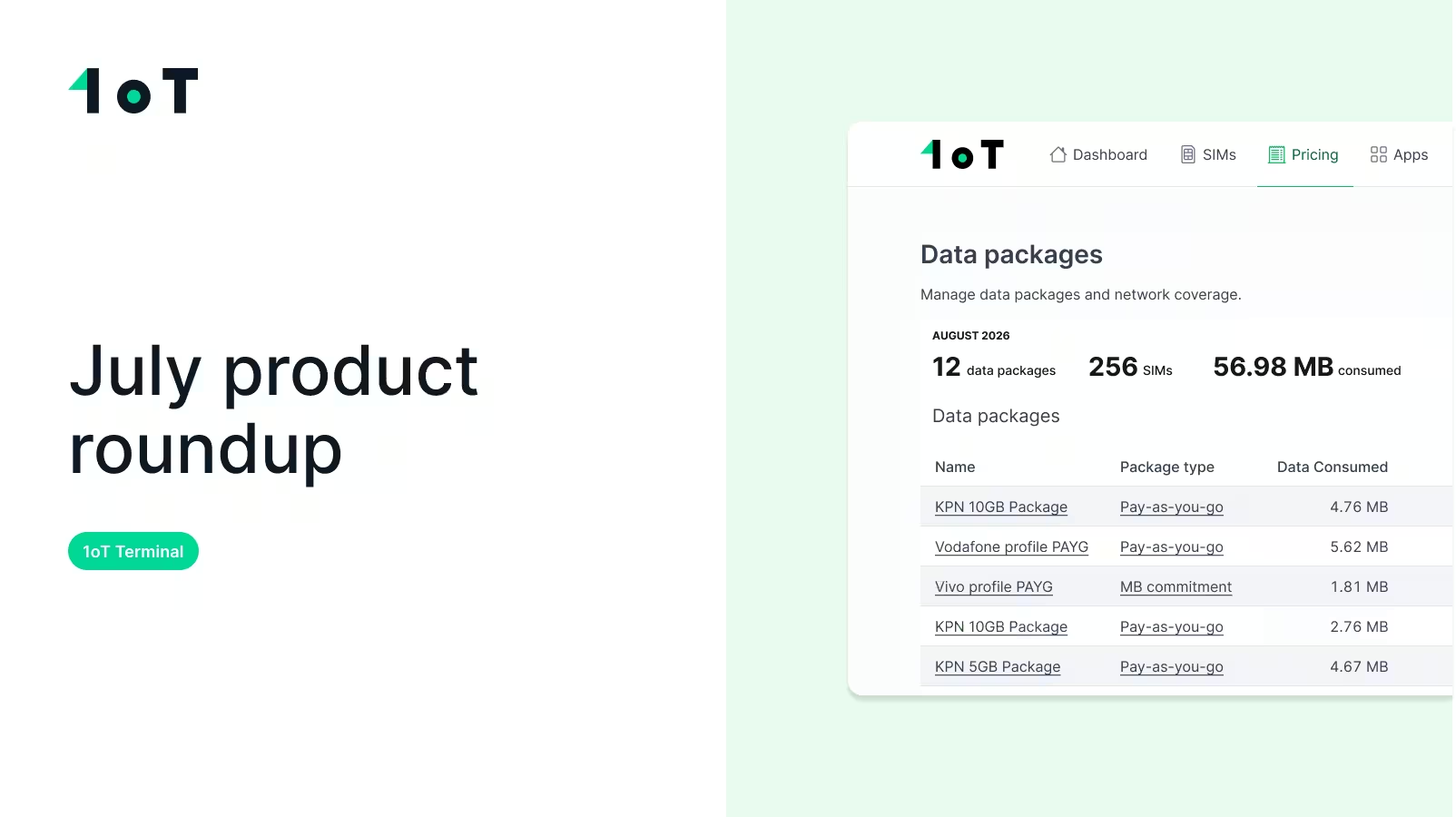
- View-only users don't get stuck anymore. Data package links previously sent view-only users into an infinite loading screen – they could see the link, but their role couldn't open what was behind it. We've removed the link for roles that can't use it, so the dead end is gone.
May's updates are all about removing friction. From end-to-end SGP.22 profile management to clearer error messages, richer SIM data, and smoother workflows, Terminal now handles more of the operational complexity behind large-scale IoT deployments.










.avif)