

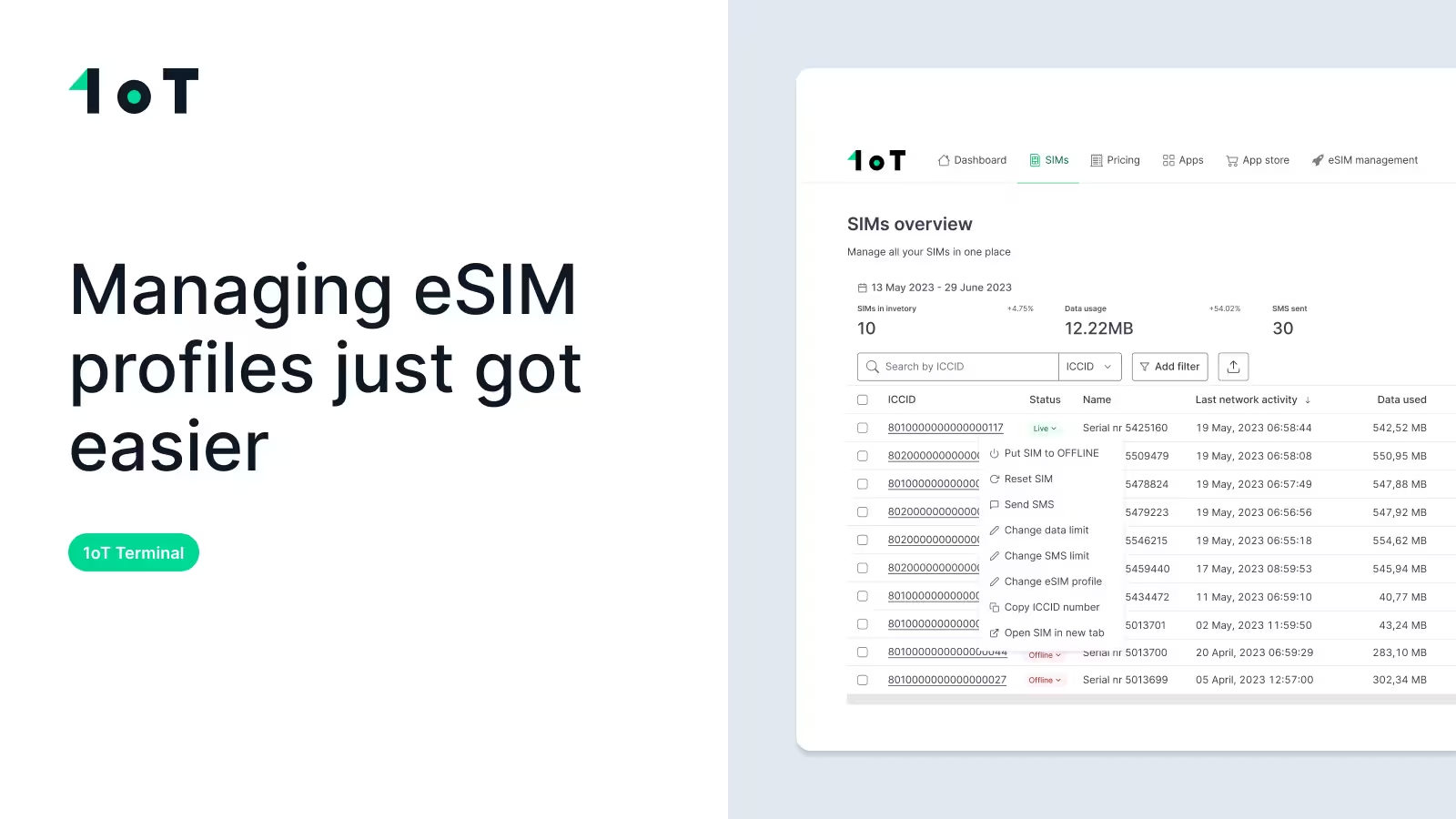
How to manage eSIM profiles step by step – 1oT Terminal video demo
Managing eSIM profiles just got easier. See how 1oT Terminal simplifies telecom profile changes, from download to activation, across your IoT fleet.


This article was updated on 26th April, 2022.
This blog post will help guide you through the first steps of the troubleshooting you can conduct on your own before escalating the issue to 1oT.
We’ve found that these steps fix most (if not all) of the problems encountered during the initial setup or from a random connection interruption.
We have categorized the troubleshooting into four different layers:
Because there are many different layers involved, it's recommended to approach troubleshooting systematically.
Also, when going through the list, record your answers, so that you can quickly forward them to us. This helps to solve the problem promptly as 1oT support team will have more info.
SIMs and eSIMs are very reliable and usually the issues are not related to the SIM itself. But a few things you should check from the SIM management side are:
There is a difference between being registered to a network and having data connectivity. Often these two are considered the same.
Network registration means that the SIM is allowed to the network, you can send SMS messages once registered. Data connectivity comes into play after network registration, once you have allowed data (and roaming) on your device and set the correct APN.
If this SIM and device combination has worked before but not anymore, make sure you have not changed any configurations. Update the firmware to a previous version.
If it is a new device you are using for the first time with 1oT SIM/eSIM and you are experiencing issues, check the below items:
eSIM with the default profile will act just like a regular SIM and all SIM troubleshooting and setup tips also apply for eSIM.
The only difference in eSIM is when it comes to transactions like download, enable and delete. If you are experiencing issues with one of these, make sure your device covers the next points.
You may have problems in places where general cellular coverage is weak. For example, basements, warehouses or remote areas.
Make sure the selected network covers your area. Coverage maps can be helpful in this. Some free and public resources are available from nPerf, Cell Mapper, and from the GSMA.
If you have gone through all the troubleshooting tips and you are still experiencing issues, make sure to contact our Customer Support team at support@1ot.com.
We encourage you to provide as much information as possible about your problem.
Talk to 1oT about the connectivity, integrations, and support your fleet needs.
Get in TouchManaging eSIM profiles just got easier. See how 1oT Terminal simplifies telecom profile changes, from download to activation, across your IoT fleet.
Don’t let Turkey permanent roaming restrictions catch your IoT business off guard. Learn the rules, key requirements, and how to keep your devices connected.
Everything you need to know about permanent roaming restrictions and regulations around the world, and what they mean for your IoT deployments.
sim-esim-troubleshooting-checklist


