Common connectivity failures in fleet telematics deployments

Mikk Lemberg
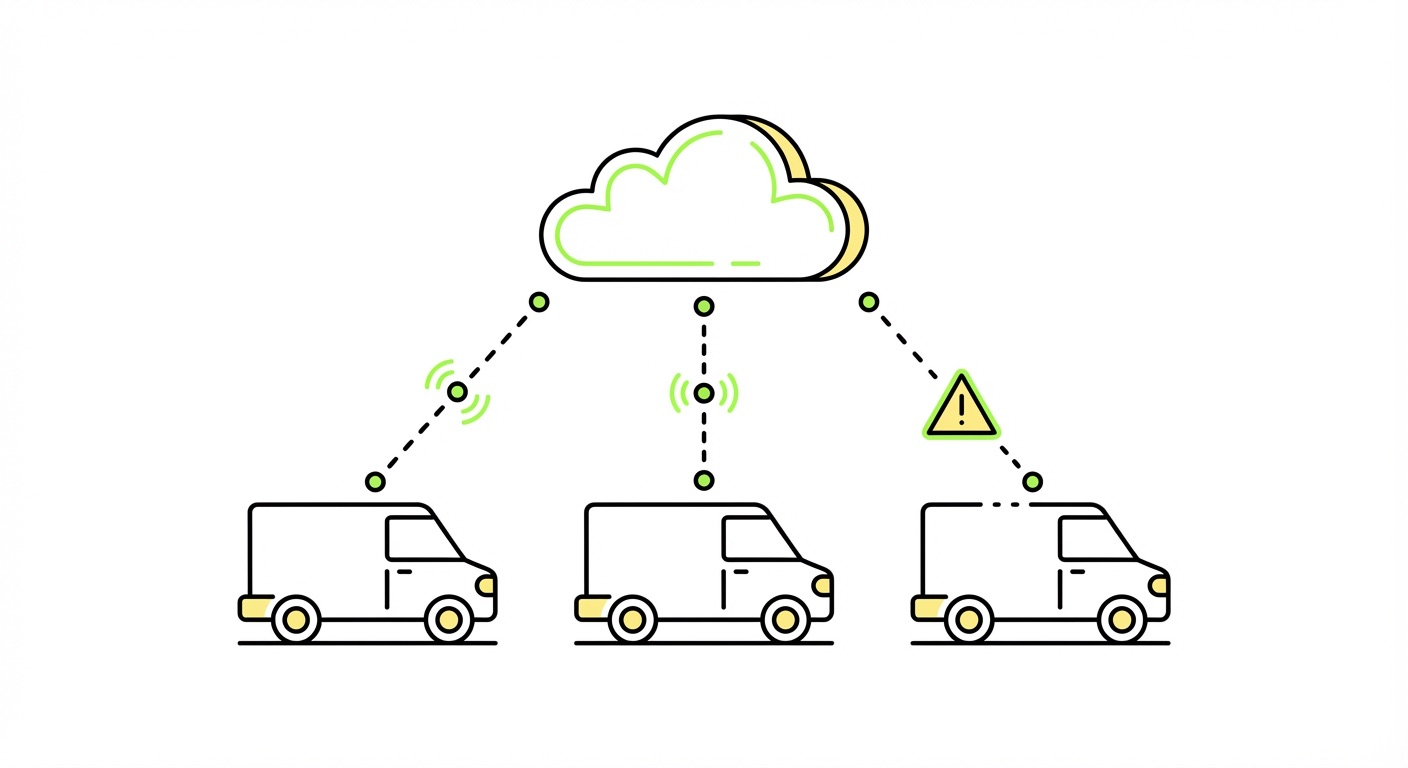
Fleet telematics works until it doesn't – and when it stops, you're not just missing location pings. You're losing compliance data, undermining safety coaching, and eroding the ROI argument that justified the deployment in the first place.
In this article
- Why connectivity failures are a business problem, not just a technical one
- The six most common failure modes
- How to diagnose connectivity issues in the field
- Prevention: what to get right before deployment
- Frequently asked questions
- Key takeaways
Why connectivity failures are a business problem, not just a technical one
When a telematics device goes dark, the downstream effects compound quickly. Hours-of-service records become incomplete, fuel tax reporting gaps open regulatory exposure, and risk management teams lose the data they need to contest insurance claims or coach drivers before a collision. Telematics is supposed to drive accident rates down – not lose data at the moments that matter most.
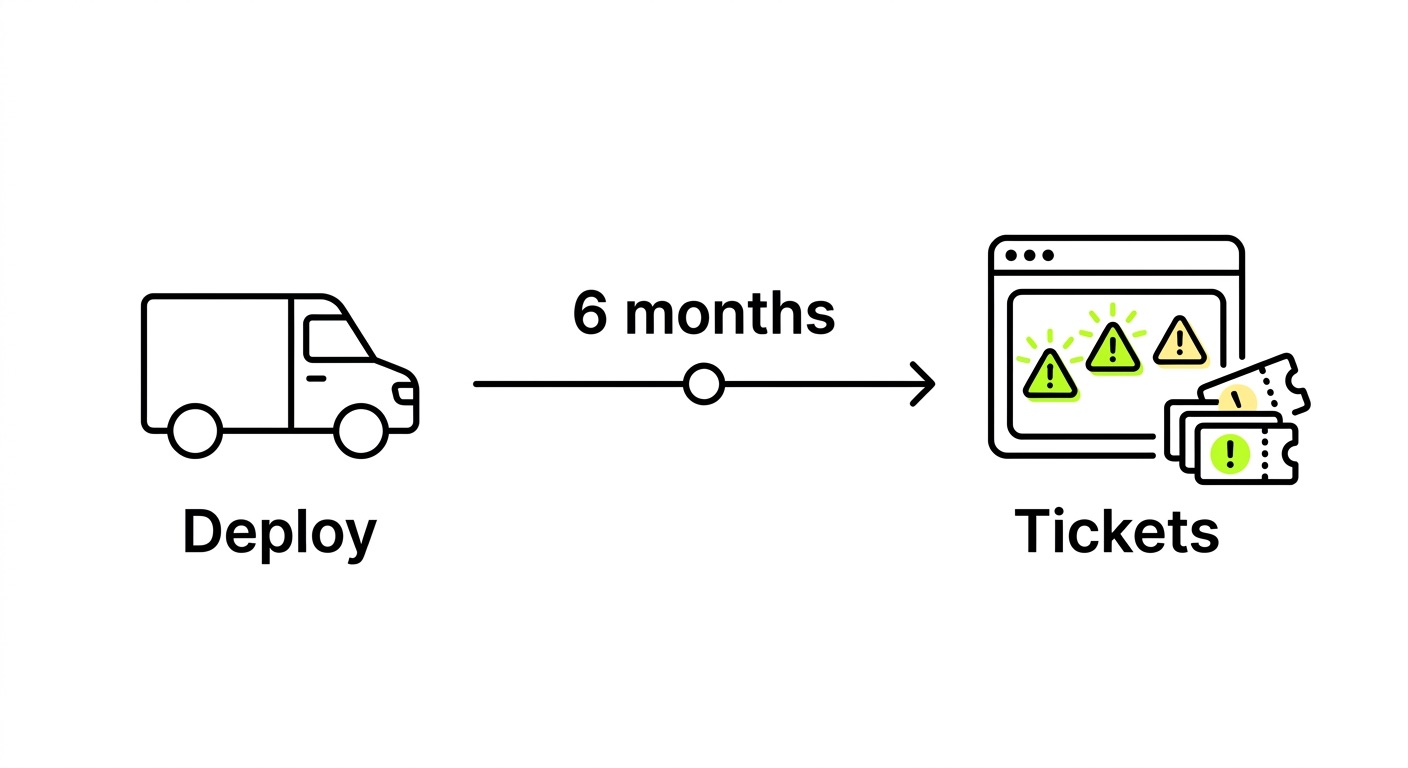
The frustrating reality is that most fleet connectivity failures aren't caused by catastrophic hardware events. They're caused by configuration errors, poor network selection logic, and deployment decisions made months earlier that nobody thought to validate. We've seen deployments where thousands of devices shipped with a single misconfigured parameter, and the problem didn't surface until vehicles crossed a border or a regional carrier performed maintenance.
The real cost is invisibility. A device that reports nothing looks identical to a device that's parked. Without session-level telemetry and connectivity monitoring, you're managing assumptions, not a fleet. Understanding the elements of IoT connectivity – from radio registration through to data session establishment – is the foundation for diagnosing why things break.
The six most common failure modes
1. Incorrect or missing APN configuration
This is the single most frequently cited configuration issue in IoT deployments. A device can successfully register to the network – meaning it has signal and the SIM is authenticated – but fail to establish a data session because the Access Point Name (APN) is wrong, missing, or uses the incorrect authentication type.
The failure mode is deceptive: the device appears connected at the radio layer, but no data flows. In fleet terms, GPS positions stop updating while the device shows no obvious error state. Unlike mobile phones, which typically receive APN settings automatically over SMS, most M2M and IoT modules require manual APN configuration – and many lack automatic APN discovery entirely.

Common APN failure causes include a wrong APN string entered during firmware provisioning, an incorrect authentication protocol (PAP vs. CHAP mismatch), private APN credentials not applied after a SIM swap, and APN settings not updated when changing connectivity providers. For a deeper look at APN types and correct configuration, our guide to VPN, APN, and Fixed IP for IoT covers the full picture.
2. Registration on forbidden or non-allowed roaming networks
This failure is particularly insidious because it produces a symptom – repeated attach attempts – that looks like a hardware or SIM fault but is actually a network policy issue. The device camps on a PLMN (Public Land Mobile Network) that the SIM's home operator has blacklisted, receives repeated attach rejects despite good signal, and enters a loop that drains battery and generates unnecessary signaling traffic.
Roaming restrictions vary significantly by region, operator relationship, and SIM type. Navigating these restrictionsrequires knowing which networks a SIM is permitted to access in each deployment country – not just which ones have coverage. This is a strong argument for using non-steered SIMs that connect to the strongest permitted network automatically, without being forced toward a predefined partner that may be congested or incompatible.
3. Aggressive reconnect loops (signaling storms)
When a device fails to attach or loses its data session, it should back off and retry with increasing intervals. Many firmware implementations don't do this. Instead, they retry attach or PDP context activation at near-constant frequency – sometimes hundreds of times per hour – creating what operators call a signaling storm.
This matters beyond battery drain. The GSMA's IoT Device Connection Efficiency Guidelines are explicit: firmware defects causing excessive signaling can trigger congestion alerts at the network operator level, leading to devices being flagged, throttled, or in severe cases, the SIM being suspended entirely. A single misbehaving device is an annoyance. A fleet of them is a liability that can result in a connectivity provider taking action across your entire SIM pool.
The fix requires implementing proper exponential backoff in firmware – combined with a maximum retry ceiling – before the device enters a low-power wait state and alerts the management platform. This is a firmware design decision, not something you can patch remotely after the fact.
4. Poor network reselection and mobility handling
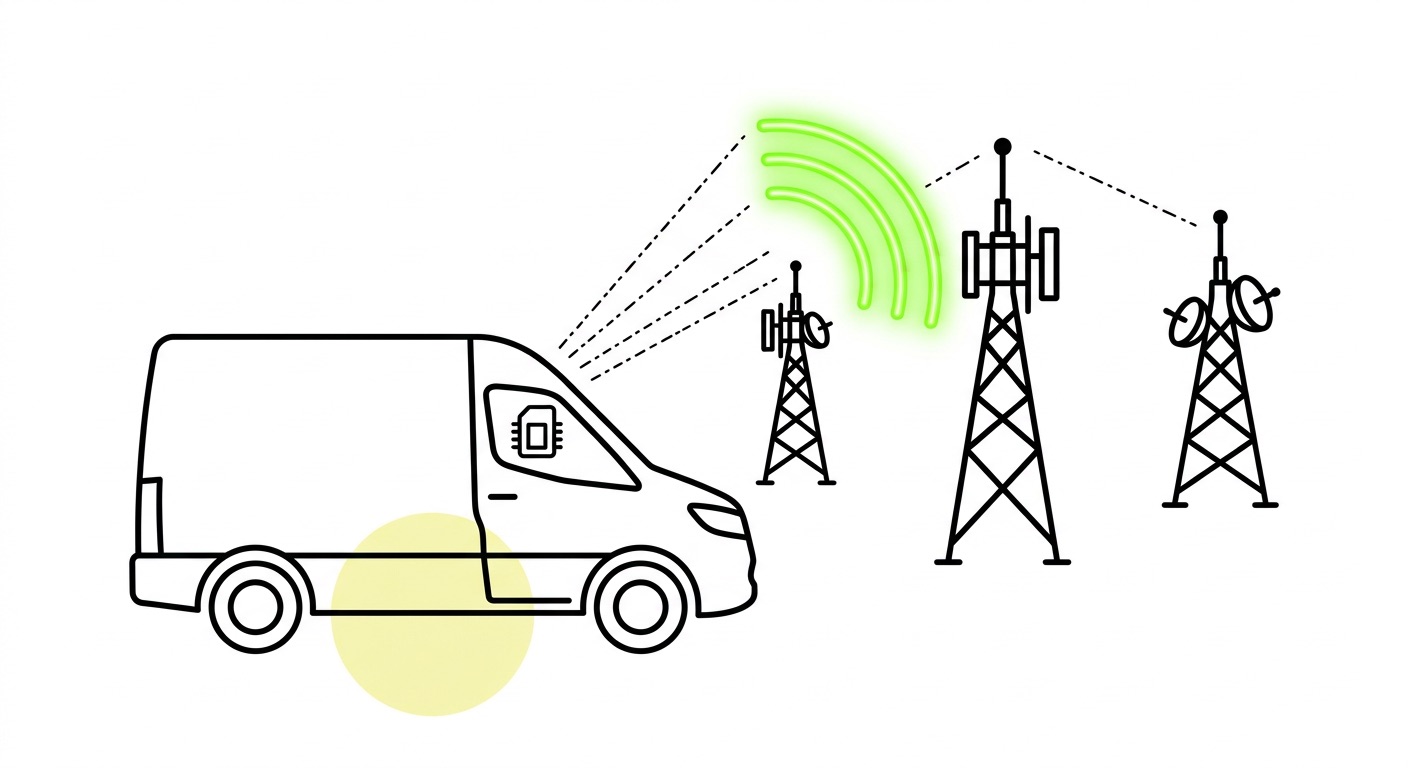
Fleet vehicles move. This seems obvious, but it's a failure mode that catches out deployments designed for stationary or low-mobility assets. Devices can "stick" to a weak cell rather than reselecting a stronger one during movement, causing data session drops at motorway speeds – exactly when driver behaviour data and location accuracy matter most.
A closely related problem: when a device loses network and attempts to reattach, some configurations don't trigger a fresh PLMN scan. The device keeps attempting to reconnect to the last-known network, even if that network is down or out of range. Auto-network registration must be enabled in the modem configuration to ensure the device performs a complete scan and selects the best available option rather than persisting with a failing connection.
NB-IoT deployments are particularly vulnerable here – the technology does not support cell handover, making it unsuitable for mobile fleet use cases. LTE-M, with its handover support, is the appropriate choice for any vehicle-mounted device. Our comparison of NB-IoT vs LTE-M breaks down exactly where each technology fits.
5. Single-network SIM dependencies
Deploying fleet devices on single-carrier SIMs creates a hard dependency on one operator's infrastructure. When that operator experiences a regional outage, maintenance window, or coverage gap, your fleet goes dark – with no fallback path. This risk compounds internationally, where a SIM provisioned for one home network often has limited or no ability to switch to an alternative if the primary is unavailable.
Multi-network SIMs with access to multiple operators per country solve this by design. When one network is congested, slow, or down, the device moves to the next strongest option automatically. That's not just a coverage story – it's redundancy built into every single connection, without any changes to hardware or firmware.
6. Legacy radio technology and network sunsetting
Fleets that deployed on 2G or 3G infrastructure are facing an accelerating problem. Network sunsetting across Europe and beyond is retiring the radio technologies many older telematics devices depend on. When the network shuts down, the device goes permanently silent – no error, no warning, just loss of visibility across your entire legacy fleet cohort.
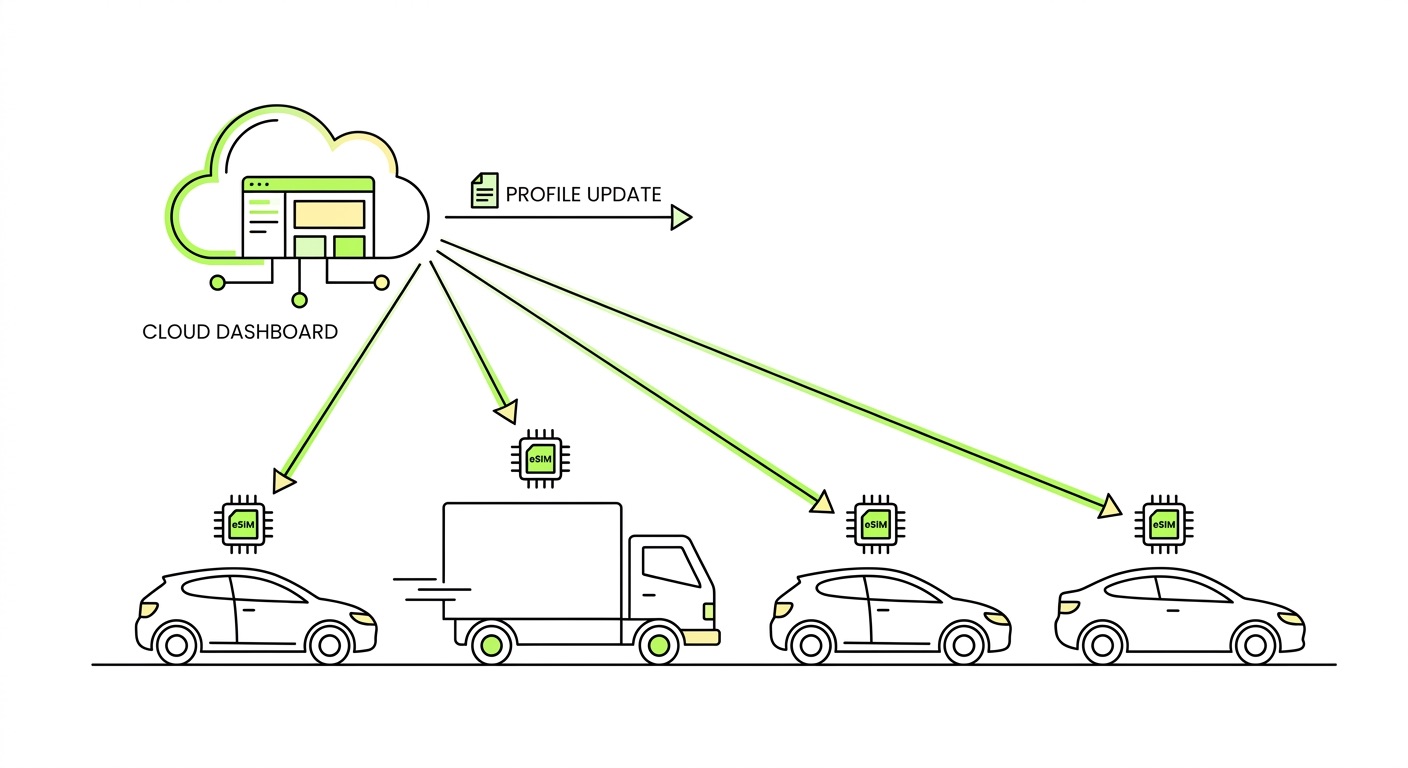
Fixing this at scale requires hardware module upgrades, which are expensive and logistically complex. The lesson for new deployments is to select Cat 1 bis or LTE-capable modules from the outset, with fallback capability, and use eSIM infrastructure that allows carrier profile updates over the air as regional network landscapes evolve. Our IoT hardware guide covers module selection criteria in detail.
How to diagnose connectivity issues in the field
When a device stops reporting, systematic diagnosis beats guesswork. Work through this sequence before escalating:

- Verify SIM state – confirm the SIM is active and not suspended in your connectivity management platform. Check that data and SMS limits haven't been reached.
- Check network registration status – use AT commands (
AT+CREG?) to distinguish between "not registered, searching" and "registration denied." A denied registration points to a roaming or PLMN restriction issue, not a hardware fault. Our beginner's guide to AT commands covers the key diagnostic commands. - Confirm APN configuration – verify the APN string, authentication type, and that the PDP context activates successfully. The correct APN for your SIM should be visible in your connectivity management platform.
- Test with a secondary device – swap the SIM into a mobile handset or known-good test device. If it connects there, the issue is device-side configuration. If it doesn't, escalate to your connectivity provider.
- Perform a SIM reset followed by full device power-off – sleep mode is not sufficient to trigger a PLMN rule refresh. The device must complete a full power cycle. The SIM/eSIM troubleshooting checklist walks through the complete sequence.
- Analyse session history – long data sessions (over an hour) followed by disconnection often indicate a device-side TCP keepalive failure or server-side session timeout, not a network issue. Session-level data from your connectivity platform is essential here; without it, you're diagnosing blind.
Prevention: what to get right before deployment
Most fleet connectivity failures are preventable. The decisions that matter most happen before a single device ships.
Hardware validation:
- Confirm your cellular module supports the required radio technologies for every deployment region, including fallback options
- Verify the module supports Bearer Independent Protocol (BIP) if you're using M2M eSIM with remote profile management
- Test antenna placement under realistic vehicle installation conditions – bench testing doesn't capture the RF environment inside a moving vehicle
- Choose modules from established vendors (Quectel, u-blox, Telit, SIMCom) with strong firmware support track records
Network and SIM configuration:
- Use non-steered, multi-network SIMs so devices select the strongest available network automatically
- Enable automatic network registration (
AT+COPS=0) in every production device – manual network selection has no place in a deployed fleet - Validate APN configuration in every target deployment country before scaling, not after
- Confirm roaming is explicitly enabled on the SIM and that the modem's roaming setting aligns
Operational readiness:
- Deploy with a connectivity management platform that provides real-time session visibility, not just monthly usage summaries – you need to see when sessions drop, not just that they dropped
- Set up automated alerts for SIMs that haven't established a data session within an expected window
- Build reconnect logic with exponential backoff into firmware before production; this cannot be retrofitted cleanly once devices are in the field
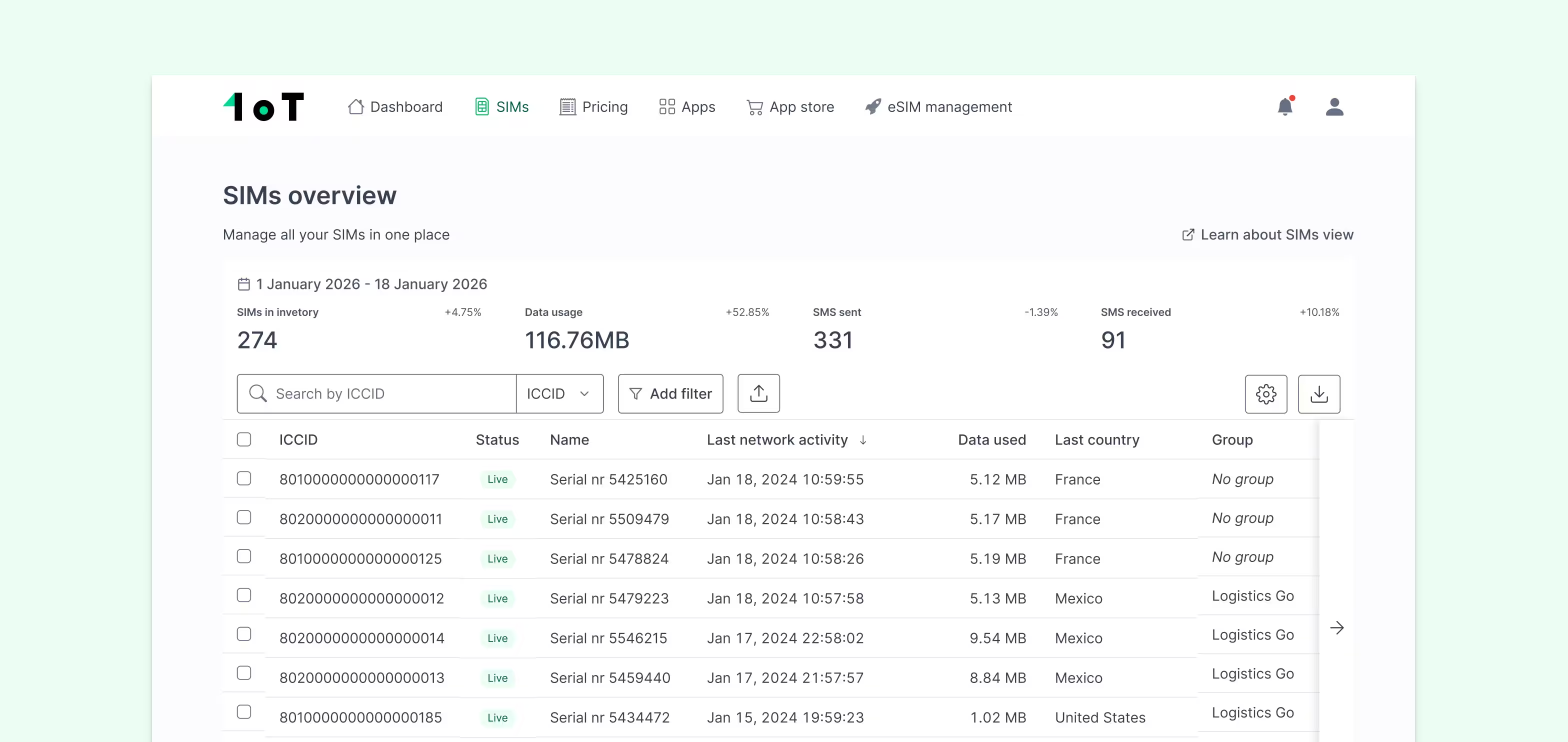
1oT's fleet management connectivity is built around these principles – multi-network access, non-steered SIMs across 1,000+ networks in 190+ countries, and a management platform that surfaces the session-level data needed to catch problems before they become outages.
Frequently asked questions
Why does my telematics device show signal but not transmit data?
Signal indicates the device has registered to a radio network, but data transmission requires a successful PDP context – which depends on correct APN configuration. If the APN string, authentication type, or credentials are wrong, the device will show signal with zero data flow. Check your APN settings against what your connectivity provider specifies, and confirm the PDP context activates successfully using AT+CGDCONT and AT+CGACT commands.
What's the difference between a steered and non-steered SIM, and why does it matter for fleets?
A steered SIM is configured to prefer a specific network operator, even when stronger alternatives are available. In fleet deployments, this means a device can be forced onto a congested or degraded network while a better option sits unused. Non-steered SIMs connect to whichever available network offers the best signal and quality – making them significantly more resilient for mobile assets crossing regions or country borders.
Should I use NB-IoT or LTE-M for fleet telematics?
LTE-M for moving vehicles, without exception. NB-IoT does not support cell handover, meaning a vehicle travelling at speed will experience frequent session drops as it moves between cell towers. LTE-M supports handover, operates at higher throughput suitable for GPS and diagnostics data, and supports eSIM profile downloads via SMS. Reserve NB-IoT for stationary or very low-mobility assets.
Key takeaways
- APN misconfiguration is the most common and most preventable fleet connectivity failure – validate it in every deployment region before scaling, not after the first complaint arrives.
- Auto network registration must be enabled in modem firmware; manual network selection or sticky network behaviour causes silent data loss in moving vehicles.
- NB-IoT is unsuitable for mobile fleet assets – LTE-M with handover support is the correct technology choice for any vehicle-mounted device.
- Single-carrier SIM dependencies are a structural risk – multi-network SIMs with automatic failover eliminate the single point of failure without requiring any hardware changes.
- Connectivity failures are a visibility problem as much as a network problem – without session-level telemetry in your management platform, you're diagnosing blind and reacting late.
If you're planning a fleet telematics deployment or troubleshooting an existing one, talk to the 1oT team. We'll validate your hardware configuration, flag network compatibility issues before they reach production, and ensure your SIM setup is built for the regions you're actually deploying in – not just the ones that looked good on a coverage map.





.avif)



.avif)